1
MJPEG IP Camera User’s Guide
Logging in as an ordinary User
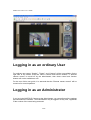
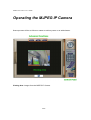
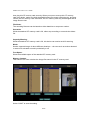
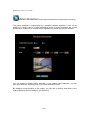
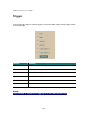
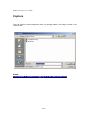
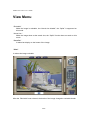
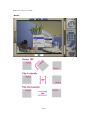
For ordinary user usage, “Setting”, “Trigger”, and “Capture” will be not available. On the
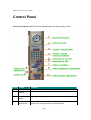
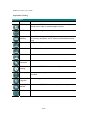
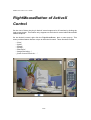
right side of the screen, there are lots of controls and function buttons. If “Remote
camera control” is turned off by the administrator, then those control and function
buttons will not be available as well.
For the rest of this user guide, it is assumed that the “Remote camera control” will be
turned on for normal operation.
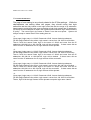
Logging in as an Administrator
If you log in the MJPEG IP Camera as the Administrator, you can perform all the settings
provided within the software. The Administrator may be logged in at any time, regardless
of the number of the users being accessed.
21/94