1
ELECTRONICS
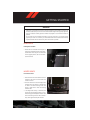
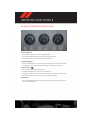
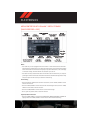
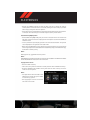
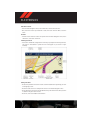
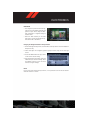
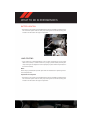
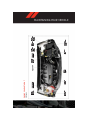
STEERING WHEEL AUDIO CONTROLS
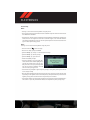
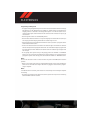
• The steering wheel audio controls are located on the rear surface of the steering
wheel.
Right Switch
• Press the switch up or down to increase or
decrease the volume.
• Press the button in the center to change
modes AM/FM/CD/SAT.
Left Switch
• Press the switch up or down to search for
the next listenable station or select the next or previous CD track.
• Press the button in the center to select the next preset station (radio) or to change CDs if
equipped with a CD Changer.
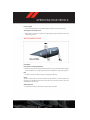
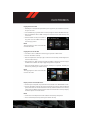
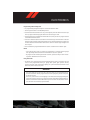
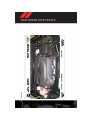
iPod®/USB/MP3 CONTROL
• There are many ways to play music from iPod®/MP3 players or USB devices through your
vehicle's sound system.
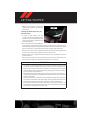
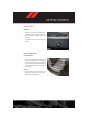
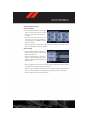
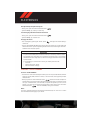
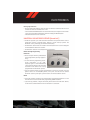
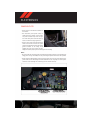
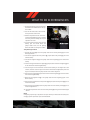
• The remote USB port, located within the front storage area, allows you to plug an iPod®
into the vehicle's sound system.
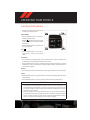
NOTE:
If equipped with the Media Center 730N
(RHR), the USB port on the faceplate allows
the same functions as the remote USB port.
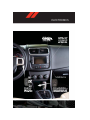
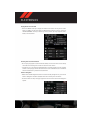
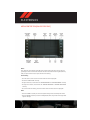
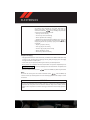
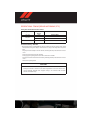
• Non-Touch-Screen Radios: To hear audio
from devices connected to the USB port,
press the “AUX” button on the radio faceplate.
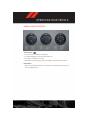
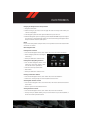
• Touch-Screen Radios: To hear audio from
devices connected to the USB port, press
the “MEDIA” hard-key, then touch the
“AUX” or “iPod®” soft-key.
56