1
SR961S/SR962S Solar station operation manual
5. Connection terminal of built-in controller
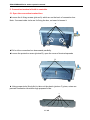
5.1 Open the connection terminal box
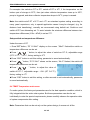
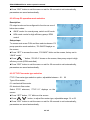
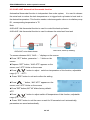
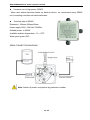
►Loosen the 4 fixing screws (picture A) which are on the back of connection box.
Note: 2 screws inside circle are for fixing the box, not need to loosen it.
A
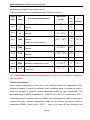
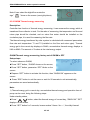
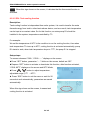
►Pull out the connection box downwards parallelly.
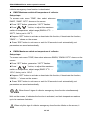
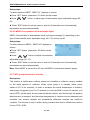
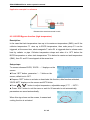
►Loosen the protection screw (picture B), open the cover of terminal upwards
B
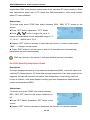
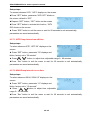
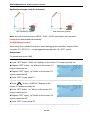
► Using proper tools (like knife) to take out the plastic (picture C) piece, wires can
pentrate connection termial through prepared holes.
C
11 / 65