1
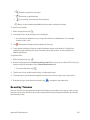
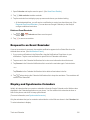
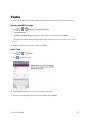
 1. Tap > > Settings.
2. From the DEVICE section, tap Sound.
3. Tap the Vibrate on tap checkbox to turn on the feature. (A blue checkmark will appear.) Sound Effects
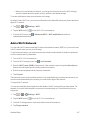
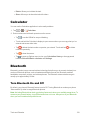
This menu lets you select whether you hear tones when touching numbers on the dialpad, selecting on-screen options, and more. 1. Tap > > Settings.
2. From the DEVICE section, tap Sound.
3. Tap Sound effects, then tap the desired options checkbox to turn on the feature.(A blue checkmark will appear.) Message/Call Voice Notifications
To read out the incoming call and the message event automatically.
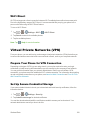
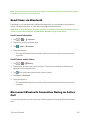
1. Tap > > Settings > Sound.
2. From the DEVICE section, tap Sound > Message/call voice notifications.
3. Tap to turn the feature on and set the desired options.
Display Settings
Adjusting your phone's display settings not only helps you see what you want, it can also help increase battery life.
Brightness
Adjust your screen’s contrast (brightness) to suit your surroundings.
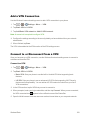
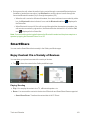
1. Tap > > Settings.
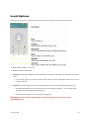
2. From the DEVICE section, tap Display > Brightness.
3. Use the slider to set a brightness level.
Note: For the best battery performance, use the dimmer levels. You can also set Night brightness to set the brightness at 0% automatically between 12:00 AM - 6:00 AM.
4. Tap OK.
Settings
165