1
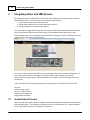
Integrating Video into HMI Screens
3.2
21
Insert Live Video Object
This document assumes the reader has installed DeltaV. If you need to install DeltaV, consult the
documentation provided with this software.
To create an HMI screen with embedded live video:
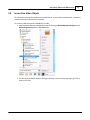
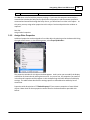
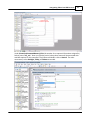
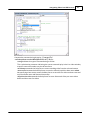
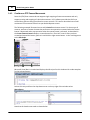
1. Start the DeltaV Operate configuration tool by clicking on DeltaV Operate Configure in the
DeltaV/Engineering folder in the Start menu.
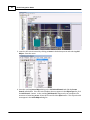
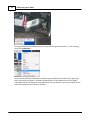
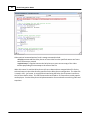
2. This will start the DeltaV Operate Configure desktop. Select an existing image (.grf file) or
create a new one.