Download Camera Control Pro Reference Manual Overview Using Camera

Transcript
Overview
Using Camera Control Pro
Appendices
Capturing Photographs to Disk
4/5
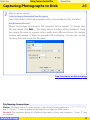
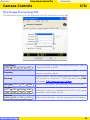
IPTC Information…
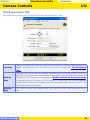
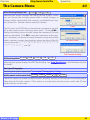
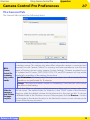
Clicking this button displays a dialog where you can select the IPTC information, including keywords and captions, that will be added to images as they are captured.
Copy Shooting Data to IPTC Caption
Check this option to copy shooting data to the caption field of images as they are
captured.
Embed ICC Profile
Select this option to embed an ICC profile according to the camera Color Space settings. The ICC profile is embedded in JPEG and TIFF images as they are captured.
After adjusting the above options, click OK to exit the dialog and apply settings to
subsequent photographs.
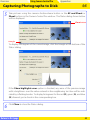
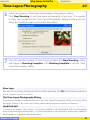
4
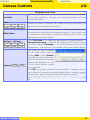
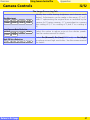
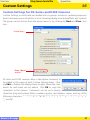
Choose whether to embed information on picture orientation in captured images
(note that these options are not available when On or Automatic is selected for
the auto image rotation option in the camera setup menu). Select an option once
to enable it, again to disable it.
Rotate all downloaded images by 90 degrees CCW
If this option is checked, pictures will be marked as being rotated 90 ° counterclockwise as they are saved.
Rotate all downloaded images by 90 degrees CW
If this option is checked, pictures will be marked as being rotated 90 ° clockwise as
they are saved.
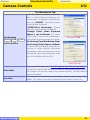
Auto Image Rotation
D2-series
D200
D70S
D70
D50
If On or Automatic (the default setting) is selected for the auto image rotation option in the camera setup menu, D2-series, D200, D70S, D70, and D50 cameras will detect camera orientation and
automatically embed this information in photographs (note that in continuous mode, the orientation for the first image in each burst applies to all images in the series, even if camera orientation is
changed during shooting). If Off is selected, camera orientation will not be recorded. Information
on picture orientation can be added during download as described in Step 4.
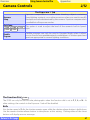
Image Authentication D2Xs
The “Rotate all downloaded images…” options do not apply to photographs taken with
Image Authentication on. Image authentication information is not embedded in TIFF photographs when capturing images using the Camera Control Pro.
Return to first page
34