1
•
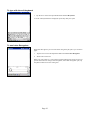
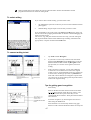
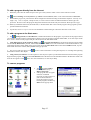
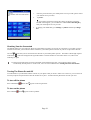
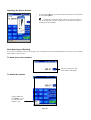
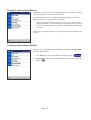
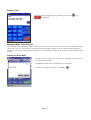
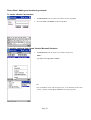
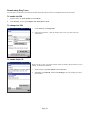
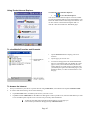
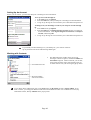
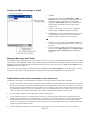
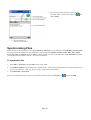
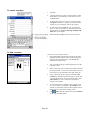
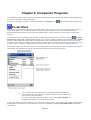
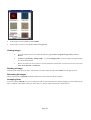
To file images in a list tap View and then Details.
•
To file images as Viewer icons tap View and then Large Icons.
Viewing Images
1.
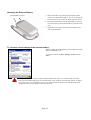
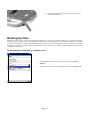
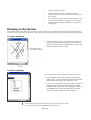
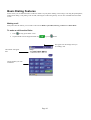
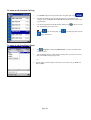
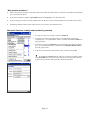
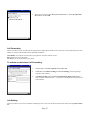
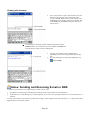
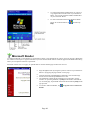
View any image stored on your Pocket PC Phone by tapping Start, Programs, Image Viewer and then
Browse.
2.
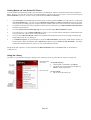
In Browse tap Find All or Change Folder – if you tap Change Folder a screen will appear listing the folders
on your Pocket PC Phone.
3.
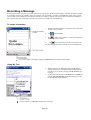
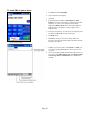
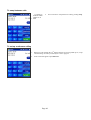
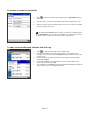
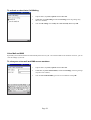
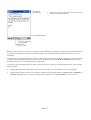
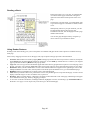
Before you choose one you can select to view the actual size of the picture or to fit it to the screen. To do so tap
View, Zoom, Best Fit or Actual Size.
Deleting an Image
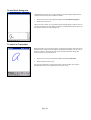
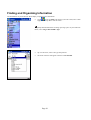
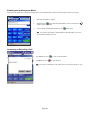
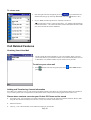
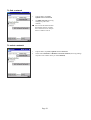
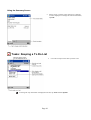
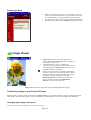
Hold the stylus firmly on the file name of the picture you want to delete, and then select Delete from the pop-up menu.
Refreshing All Images
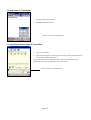
On the pop-up menu, tap Refresh and the file information on the picture list will be refreshed.
Arranging Order
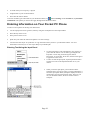
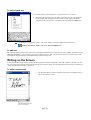
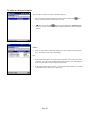
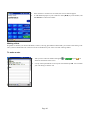
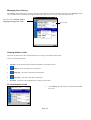
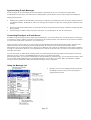
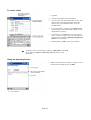
If you are working in Details view, you can change the order in which the pictures are listed by tapping any of the following: file
name, resolution, color numbers, file type, date or file size. The list will be sorted on the criteria selected.
Page 92