1
26 4 Wireshark
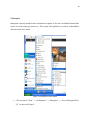
1. Once logged into the workstation computer (see section 5.2), open “Wireshark” from the
desktop.
2. You will then want to create a connection to the SCADA server by visiting the frontend
interface (see section 5.2).
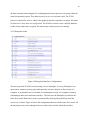
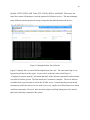
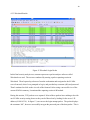
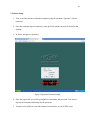
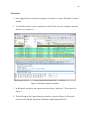
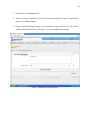
Figure 3 Wireshark Capture Screenshot
3. In Wireshark, navigate to the capture menu and choose “Interfaces”. This is shown in
Figure 3.
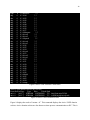
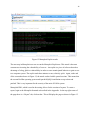
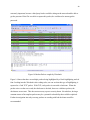
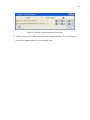
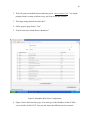
4. This will bring up the Capture Interfaces window as shown in Figure 4. Choose the
network device labeled “Broadcom NetXtreme Gigabit Ethernet Driver”.