1
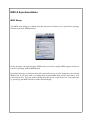
Options Menu (Mixer Mode)
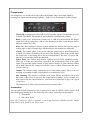
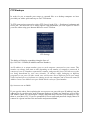
In 'Mixer Mode' the 'Options' menu contains options which are used for resetting mixer and
automation settings.
Reset Mix
This option resents all Pan and Volume settings to their default settings
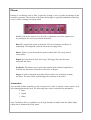
Reset Mix + Effects
Performs the same operation as the 'Reset Mix' option as well as setting all Send and
Insert FX settings to their defaults.
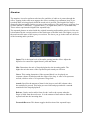
Reset EQ
Resets the EQ settings for all 16 layers.
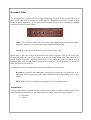
Remove Mixer Automation
Allows you to remove automation from a Pattern, Layer or Song.
Set Mixer Automation
Allows you to remove automation from a Pattern, Layer or Song.
Set Mixer Automation Inertia
This sets the speed at which the mixers knobs can react to volume and pans changes.
Fast automated pan and faders can cause crackles and pops in the mix. If you want
slow smooth transitions of volume try reducing the inertia speed.
Layer Options
Displays the same set of lay options as is available from 'Pattern Mode'.