1
Bioinformatics Course
May 2009
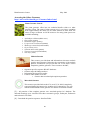
Example: Mouse beta-defensin 4 (defB4).
•
•
•
•
•
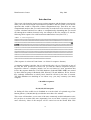
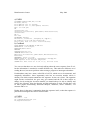
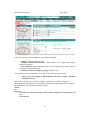
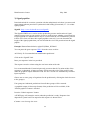
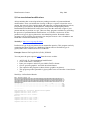
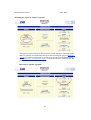
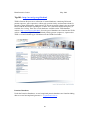
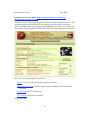
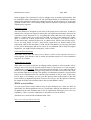
Select Mouse from the pull-down menu in the “Search Ensembl” box and
type the gene RefSeq symbol in the empty box (defB4).
Click “Go”.
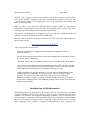
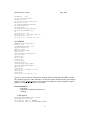
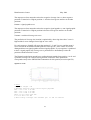
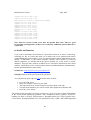
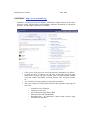
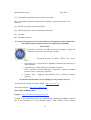
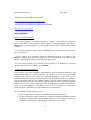
This will take you to a query results page. In this case there are 3 entries.
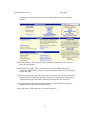
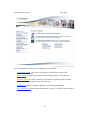
Click on the Ensembl protein_coding Gene: ENSMUSG00000059230
link for information on your gene such as its sequence, structure, domains
that it contains etc.
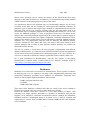
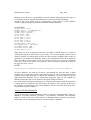
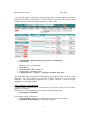
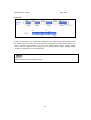
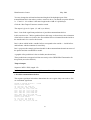
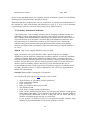
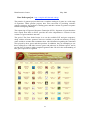
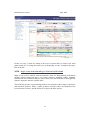
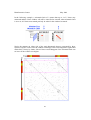
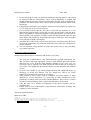
A gene summary page will be displayed and a graphical display of the
gene in the genome similar to the UCSC browser.
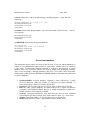
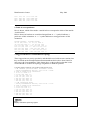
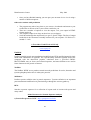
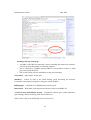
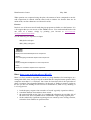
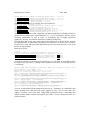
Additional data in this region can be viewed by using the "Configure this page" link on
the left. Selecting the “Location” tab on the top Left, gives an overview of the location of
gene in the genome.
54