1
6.4 Video layouts
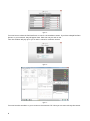
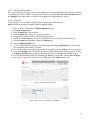
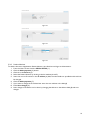
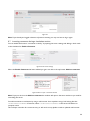
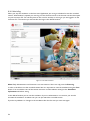
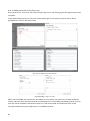
Figure 51 The View window with one active camera
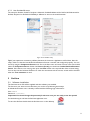
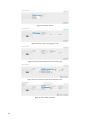
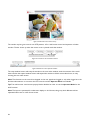
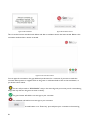
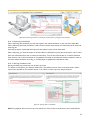
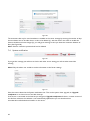
Figure 53 Three window layout
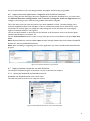
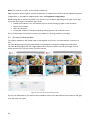
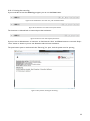
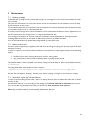
Figure 52 Picture in picture
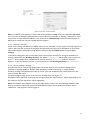
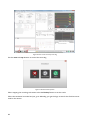
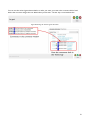
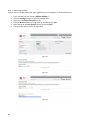
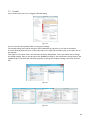
Figure 54 Three active cameras and a patient monitor
window setup
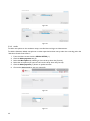
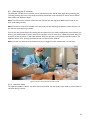
When you have more than one camera active you can change the layout of the video windows and choose
which camera to be show in the main video window by using the buttons in bottom control strip of the
video window.
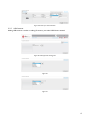
Figure 55 The window layout control
25