1
Applications
S Voice
Introduction
Perform various tasks simply by speaking.
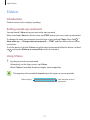
Setting a wake-up command
You can launch S Voice using your own wake-up command.
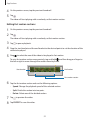
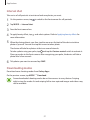
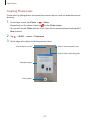
When launching S Voice for the first time, tap START and set your own wake-up command.
To change the wake-up command, open the Apps screen and tap S Voice. Then, tap →
Voice wake-up → Change wake-up command → START, and then follow the on-screen
instructions.
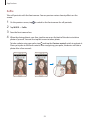
To set the device to launch S Voice using the wake-up command while the device is locked,
tap and tap the Wake up in secured lock switch to activate it.
Using S Voice
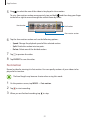
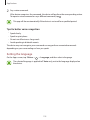
1 Say the preset wake-up command.
Alternatively, on the Apps screen, tap S Voice.
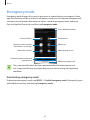
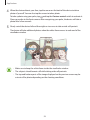
When S Voice is launched, the device begins voice recognition.
This app may not be available depending on the region or service provider.
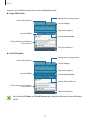
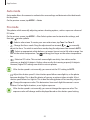
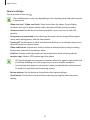
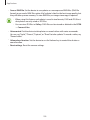
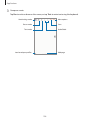
S Voice settings
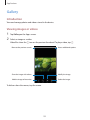
View examples of voice
commands.
117