1
14.0
Overview,
Continued
Effects of changes,
continued
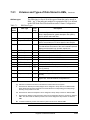
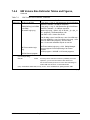
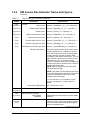
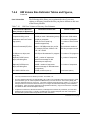
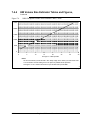
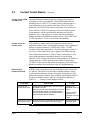
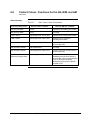
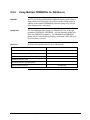
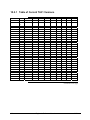
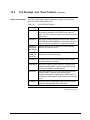
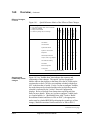
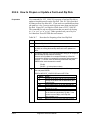
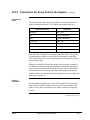
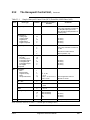
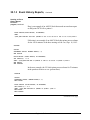
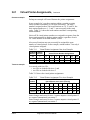
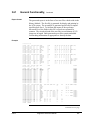
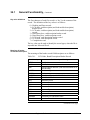
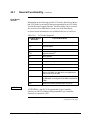
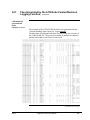
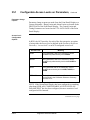
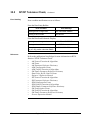
Figure 14-1
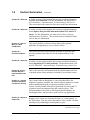
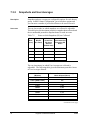
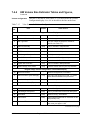
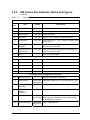
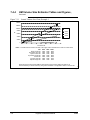
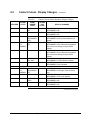
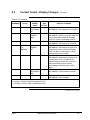
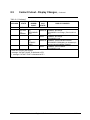
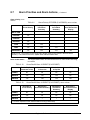
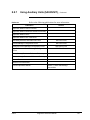
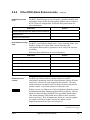
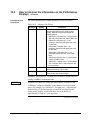
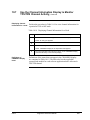
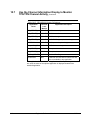
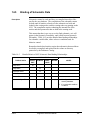
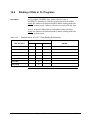
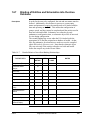
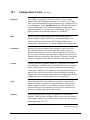
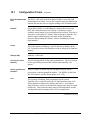
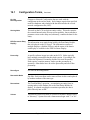
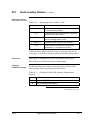
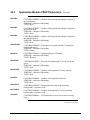
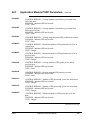
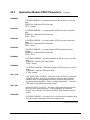
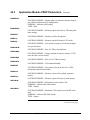
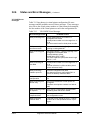
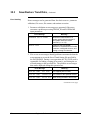
Quick Reference Matrix of the Effects of Data Changes
Effect of Changes:
Type of Data Change
Node Data
Schematics
Groups, Trends
Logs, Reports
CL Programs
NYCF
Area Data
NCF
X = Up to severe impact if certain nodes not reloaded
I = HM must be initialized
U = US(s) must be reloaded
O = Affects only owning node, or file change
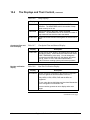
Unit Names
X
I
Area Names
X
Console Names
X
System Wide Values
X
System or User Volumes
X
Entity Data
U
O
O
O
O
O
Delete Entity References
U
O
O
O
O
O
Groups, Trends, Logs, Reports
U
O
O
Area Pathname Catalog
U
Schematics
U
Button Configuration
U
I
CL Programs
O
O
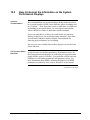
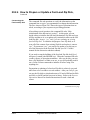
Node data is the owning node's database.
1235
Sequence and
relationship of data
changes
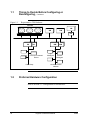
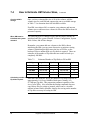
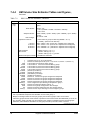
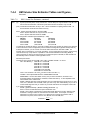
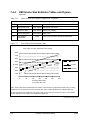
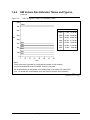
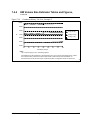
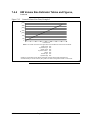
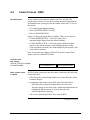
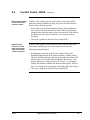
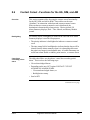
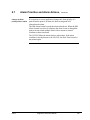
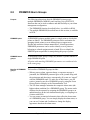
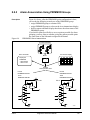
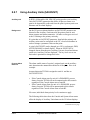
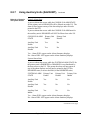
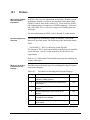
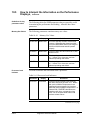
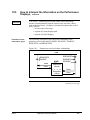
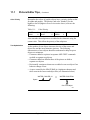
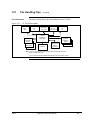
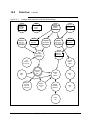
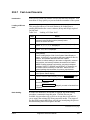
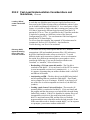
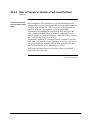
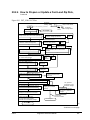
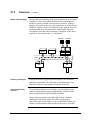
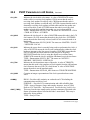
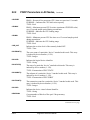
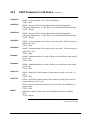
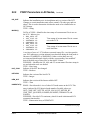
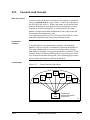
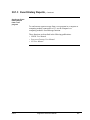
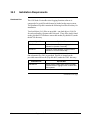
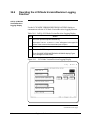
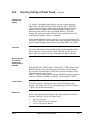
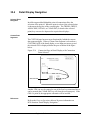
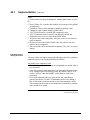
Figure 14-2 is a "bubble chart" that indicates the sequence and
relationship of data changes. The special "on-line reconfigure"
bubbles indicate that changes to that data affect the NCF and require
certain nodes on the LCN to be reset and then reloaded with the new
NCF in the data that is loaded. For the "on-line reconfigure" bubbles,
the nodes that must be reloaded and the order in which they must be
reloaded is indicated by the "on-line" Network Configuration
displays. Refer to Network Form Instructions and Network Data
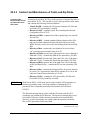
Entry for more details. Where an “on-line reconfigure” bubble leads
to a regular bubble (i.e. “Build/Add/Delete AMs” leads to “Build/
Reconstitute Entities and Store in .EBs or IDFs”), the appropriate
nodes must be reloaded BEFORE performing the second type of data
change (“Build/Reconstitute Entities and Store in .EBs or IDFs”).
Continued on next page
06/04
Engineer’s Reference Manual
233