1
C
Ch
haap
ptteerr 22 IIn
nssttaallllaattiio
on
n
2 Installation
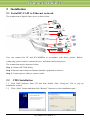
2.1 Install IP-CAM to Ethernet network
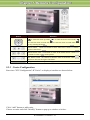
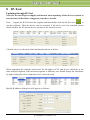
The connection of digital video server is show below.
Monitor
Headphone
MIC
Adapter
Modem
Hub
WAN
LAN
Control
Center
Alarm
Sensor
Keyboard
PTZ
User can connect the PC and IP-CAMERA in accordance with above picture. Before
connecting, please connect external devices, and then connect the power.
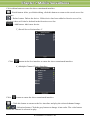
The connection step as shown as below:
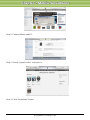
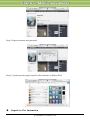
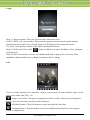
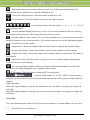
Step 1: Connect IP-CAM firstly.
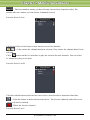
Step 2: Internet line connect to Internet transfer equipment or devices
Step 3: Connect power cable to a power outlet
2.2
CMS Installation
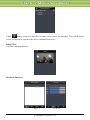
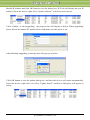
1) Find CMS software from CD and then double click “Setup.exe” file to pop up
installation wizard.
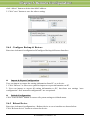
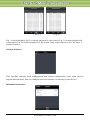
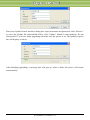
2) Click “Next” button and then click “Browse” button to set the installation path.
IP-CAMERA User Manual - 3