1
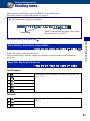
Customizing the settings
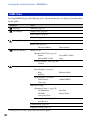
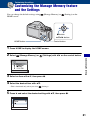
Customizing the Manage Memory feature
and the Settings
You can change the default settings using
HOME screen.
(Manage Memory) or
(Settings) on the
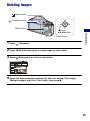
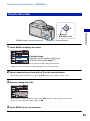
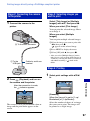
z button
v/V/b/B button
Control button
HOME button
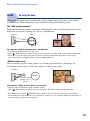
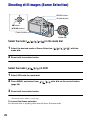
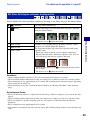
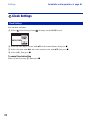
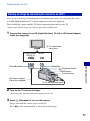
1 Press HOME to display the HOME screen.
2 Select
(Manage Memory) or
(Settings) with b/B on the control button.
Customizing the settings
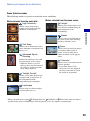
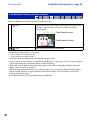
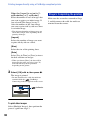
3 Select an item with v/V, then press z.
4 Select the desired item with v/V.
• This is functional only when you select
(Settings).
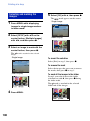
5 Press B and select the desired setting with v/V, then press z.
61