1
Security and Object Access
GemStone Administration Tools
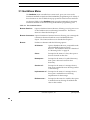
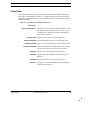
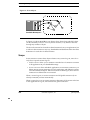
Segment Menu
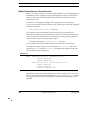
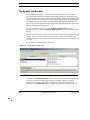
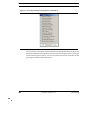
Use the Segment menu to create new segments and to manipulate existing
segments.
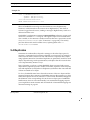
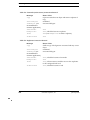
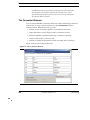
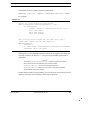
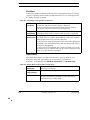
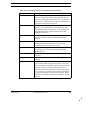
Table 8.2 Segment Menu in the Segment Tool
January 2010
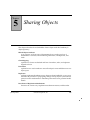
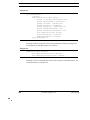
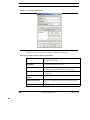
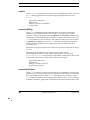
Create...
Creates a new segment. You must have the SegmentCreation
privilege to use this option. In the Create Segment dialog,
enter a name for the segment and a symbol dictionary to store
it in. Private segments are typically kept in
UserGlobals. Segments for large groups of users are typically
kept in Globals.
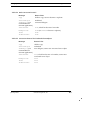
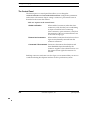
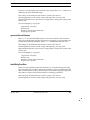
Grab
Grabs a reference to the selected segment and places it on the
clipboard. This can be used to add a reference to a user’s
symbol list or for changing the default segment of a user in
the User Dialog.
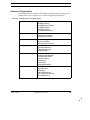
Make Current
Makes the selected segment your current segment. When
you create an object, GemStone assigns it to your current
segment.
Make Default
Makes the selected segment your default segment. This is the
home segment that is your current segment when you log
into GemStone.
GemStone Systems, Inc.
169