1
Work Orders
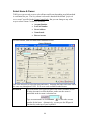
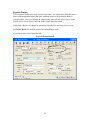
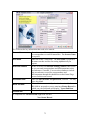
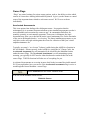
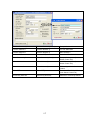
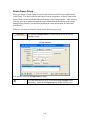
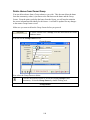
From the Owner Maintain screen, you can open a window to see any Work Orders on file
for a home. This would only show Work Orders for jobs involving this home, not
common area Work Orders. You can open a Work Order, view the details, make changes
or even add a new Work Order for the home.
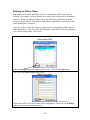
You must own the Work Order Module, an optional module in TOPS, in order to use this
function on the Owner Maintain screen. If you do not own the Work Order Module, the
Work Order button will be grayed out and will not do anything if clicked.
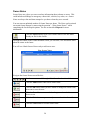
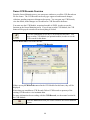
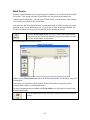
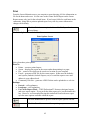
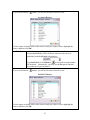
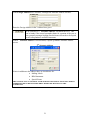
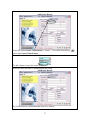
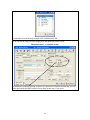
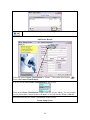
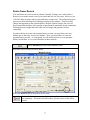
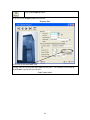
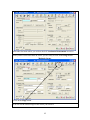
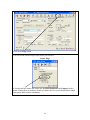
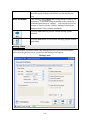
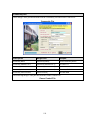
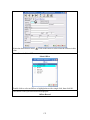
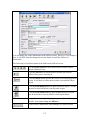
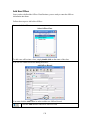
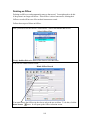
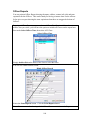
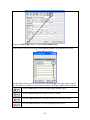
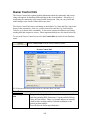
Click the Work Order button to see any Work Orders for this home.
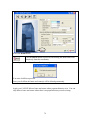
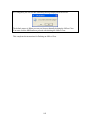
You must own the Work Order Module (an optional module) in order
to see the Work Orders for this home.
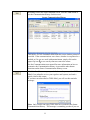
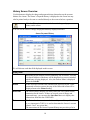
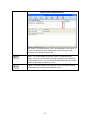
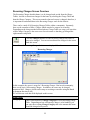
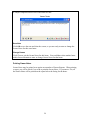
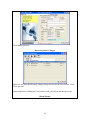
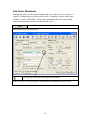
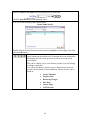
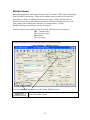
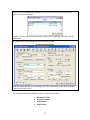
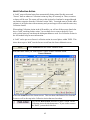
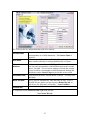
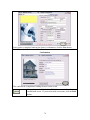
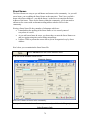
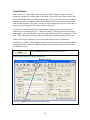
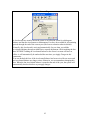
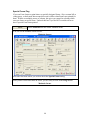
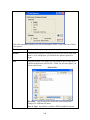
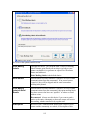
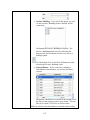
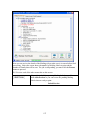
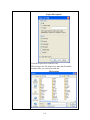
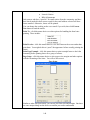
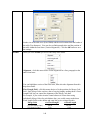
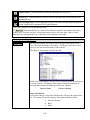
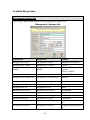
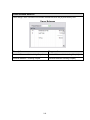
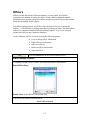
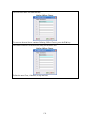
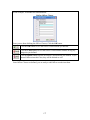
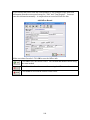
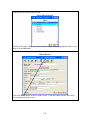
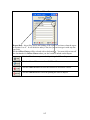
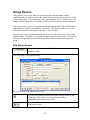
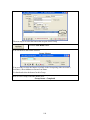
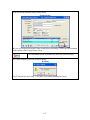
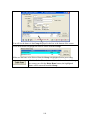
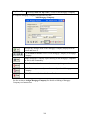
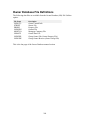
The Work Order screen looks like this:
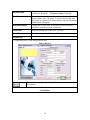
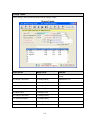
Owner Work Orders
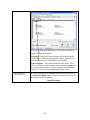
If there are any Work Orders entered in the Work Order Module for this home, they will
be displayed.
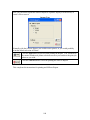
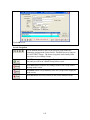
Notice that you can add new Work Orders, Delete Work Orders or open any of the
existing Work Orders to view/maintain them.
For more information about working with Work Orders, see the manual section for the
Work Order Module.
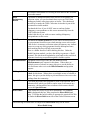
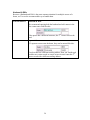
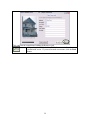
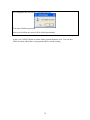
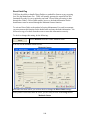
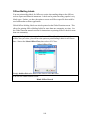
Click the Exit button when you wish to return to the Owner Maintain
screen.
41