1
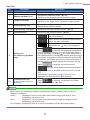
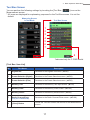
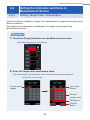
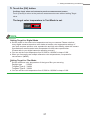
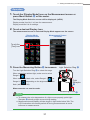
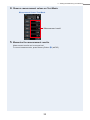
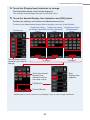
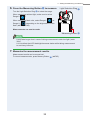
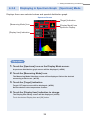
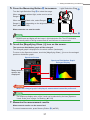
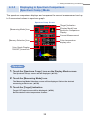
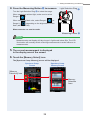
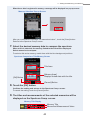
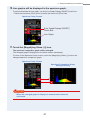
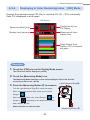
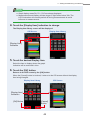
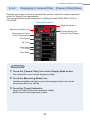
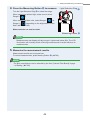
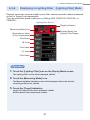
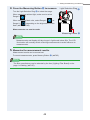
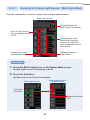
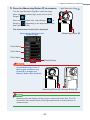
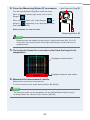
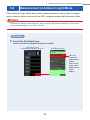
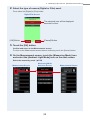
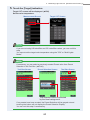
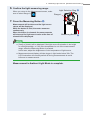
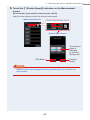
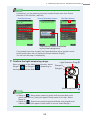
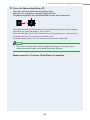
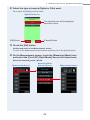
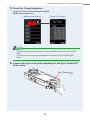
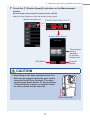
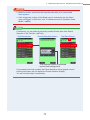
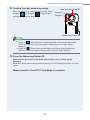
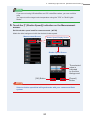
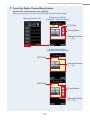
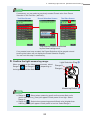
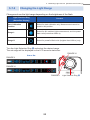
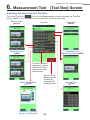
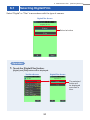
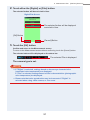
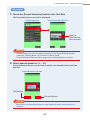
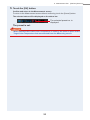
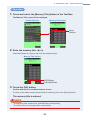
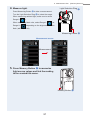
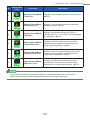
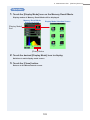
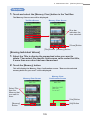
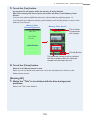
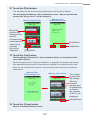
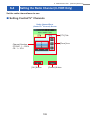
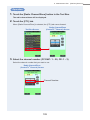
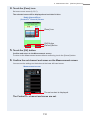
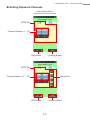
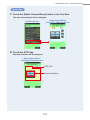
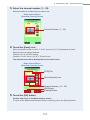
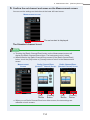
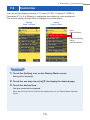
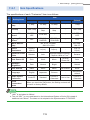
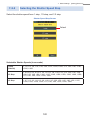
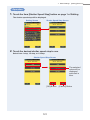
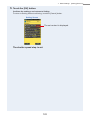
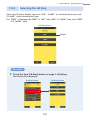
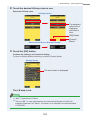
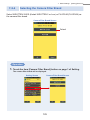
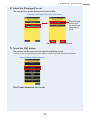
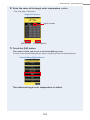
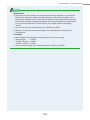
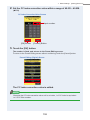
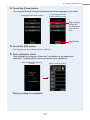
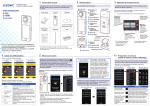
5. Measuring Light Sources [Measurement Screen] NOTE If necessary, you can select a previously created Preset value from Preset Selection in the Tool Box. ( P146) Tool Box Screen Preset Selection Screen Tool Box Screen The selected value is indicated by the blue background. If no presets have been created, the Preset Selection will be grayed out and touching the button will not display the Preset Selection Display. You can omit this step if unnecessary. 7.Confirm the light measuring range. When you return to the Measurement screen, select Range L ( ) or Range H ( ) depending on the brightness of of the flash. Light Selection Ring 2 Range H Range L Measuring Button 5 NOTE ●● Range L ( ): Select when measuring small and low power flash units (lower than 640lx·s), [Over] will appear if flash power is too high. Select Range H. ●● Range H ( ): Select when measuring powerful flash units (brighter than 640lx·s) [Under] will appear if flash power is too low. Select Range L. 65