1
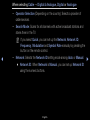
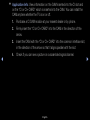
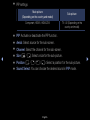
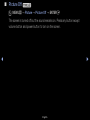
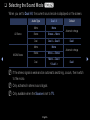
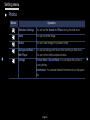
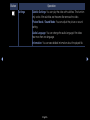
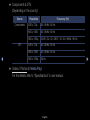
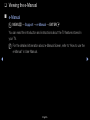
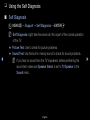
When selecting Cable → Digital & Analogue, Digital or Analogue
–– Operator Selection (Depending on the country): Selects a provider of
cable services.
–– Search Mode: Scans for all channels with active broadcast stations and
stores them in the TV.
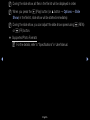
NN If you select Quick, you can set up the Network, Network ID,
Frequency, Modulation and Symbol Rate manually by pressing the
button on the remote control.
◀
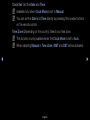
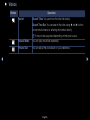
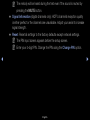
–– Network: Selects the Network ID setting mode among Auto or Manual.
●● Network ID: When Network is Manual, you can set up Network ID
using the numeric buttons.
English
▶