1
NovaStar Tech Co., Ltd.
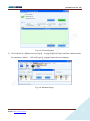
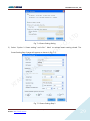
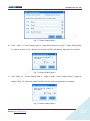
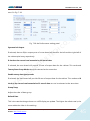
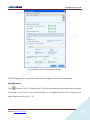
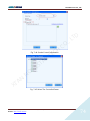
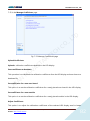
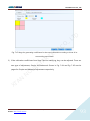
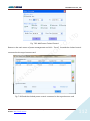
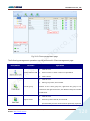
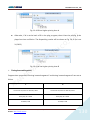
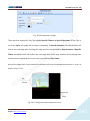
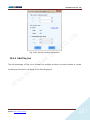
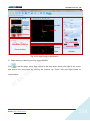
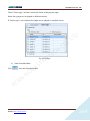
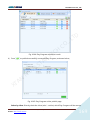
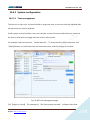
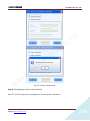
Fig. 10-18 Configure playlist directory
2)
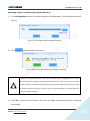
Click
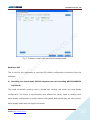
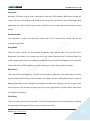
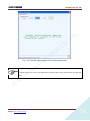
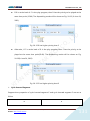
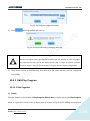
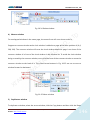
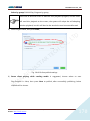
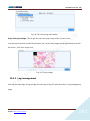
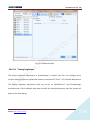
, warning window will pop up:
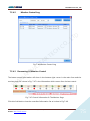
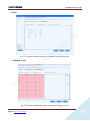
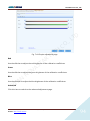
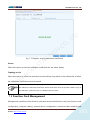
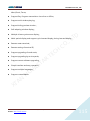
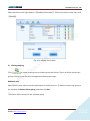
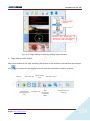
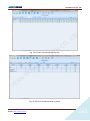
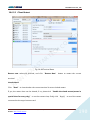
Fig. 10-19 Playlist directory changing warning
H
C
O
C
.,
D
T
L
TE
“Previously saved playlist cannot be used again after changing directory”means after the
R
A
directory is changed, clicking Open button will lead to the new directory to search for playlist.
T
S
A
The playlists previously saved in the default directory will no longer be opened, therefore
cannot be used. So users are recommended to configure directory before saving playlist.
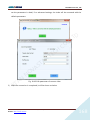
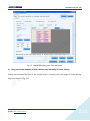
3)
V
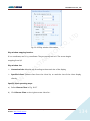
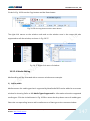
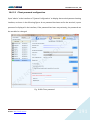
Click Yes to choose a new directory. And then click OK. New directory will be configured
successfully.
N
A
O
N
'
I
X
10.2.5 Edit Play Program
10.2.5.1 Edit Segment
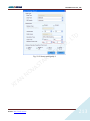
1) Create
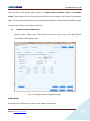
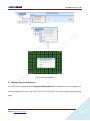
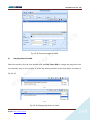
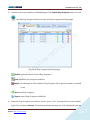
Click the button on the toolbar of Play Program Editing Area, or right-click on the Play Program
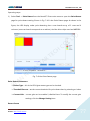
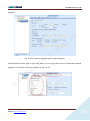
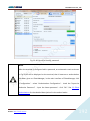
Node, or right-click on the screen, a menu pops up shown as Fig.10-20 for adding new segment.
Phone: NovaStar (Xian) +86 29 8450 7048
Website: www.novastar-led.com
NovaStar (Shenzhen) +86 755 3359 2491
136












































































![English-T series-NOVA-User manual-F [兼容模式]](http://vs1.manualzilla.com/store/data/005791006_1-acba31ea472695c25db426bea2198a0f-150x150.png)