1
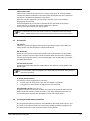
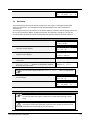
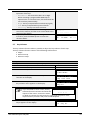
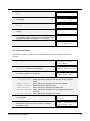
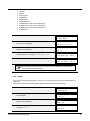
Calling up a pre-programmed memory location:
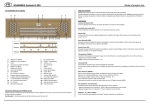
Press a pre-programmed memory location (PP-T or PL). The active stops light up.
Programming a pre-programmed memory location:
The current setting of the pre-programmed memory location will be lost.
Although it is possible to store any registration under a piston of a preprogrammed memory location it is advisable to select a registration matching the
text of the piston.
1.
2.
3.
4.
4.9
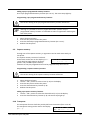
Select the desired stops.
Press the SET piston. Hold in the piston.
Press the desired pre-programmed memory location (PP-T or PL).
Release the SET piston.
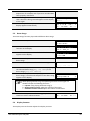
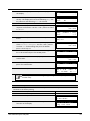
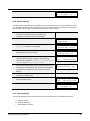
Capture memory:
Through use of the capture memory, a registration can be made active with just
one piston.
The capture memory consists of 75 levels.
These levels can be seen on the display (Mem:…
Opus 250
Mem: 1
). Each level has eight memory locations
Tr: 0/440
Cr:-(pistons 1-8). The 600 capture memory
locations are not pre-programmed and can be programmed by the musician.
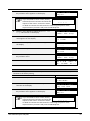
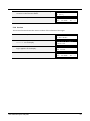
Programming a capture memory location:
The current setting of the capture memory location will be lost.
1.
2.
3.
4.
5.
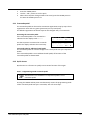
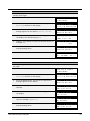
Select the desired stops.
Use the - and + pistons to select a level (1-75) on the display.
Press the SET piston. Hold in the piston.
Press the desired memory location (1-8).
Release the SET piston.
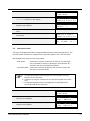
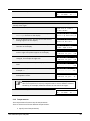
Calling up a capture memory location:
1. Use the - and + pistons to select the desired level (1-75) on the display.
2. Press the desired memory location (1-8). The active stops light up.
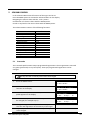
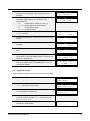
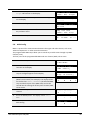
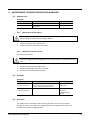
4.10 Transposer
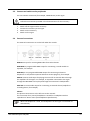
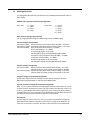
The Transposer function shifts the pitch by half-tone increments (from -8 to +8).
The transposer setting can be read on the display
Opus 250
Mem:
(Tr: …).
Tr: 0/440
User Manual Opus 250/350
1
Cr:--
16