1
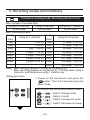
Event recording mode: Current set value of 15mA
Max. number of recorded data
Using all 3 channels
Using 2 channels
1,600 data
2,400 data
Using only 1 channel
4,800 data
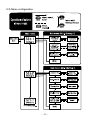
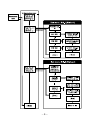
Setting procedure
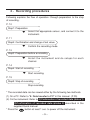
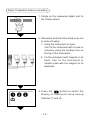
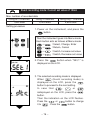
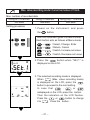
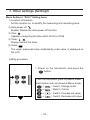
1. Power on the instrument, and press the
button.
Then the instrument goes into Menu mode.
Each button acts as follows at Menu mode.
→
:Select, Change, Enter
→
:Return, Cancel
→
:Switch, Increase set value
→
:Switch, Decrease set value
㩷
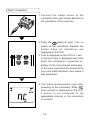
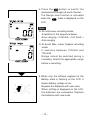
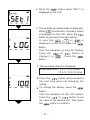
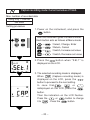
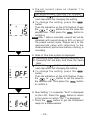
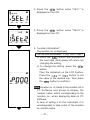
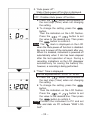
2. Press the
button when "SEt.1" is
displayed on the LCD.
㩷
㩷
㩷
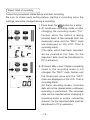
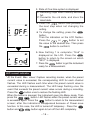
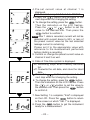
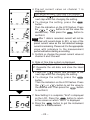
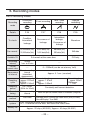
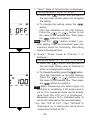
3. The selected recording mode is displayed.
When
(Event recording mode) is
displayed on the LCD, press the
button to proceed to the next setting.
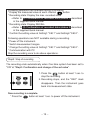
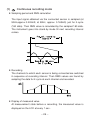
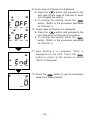
In case that
,
or
isdisplayed on the LCD, press the
button.
Then the indication on the LCD flashes.
Press the
or
button to change
it to
. Press the
button.
㩷
― 19 ―