1
Four-Channel Digital Video Recorder
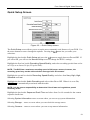
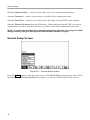
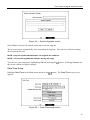
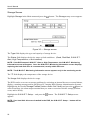
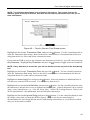
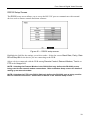
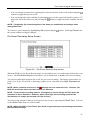
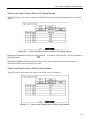
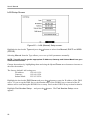
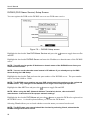
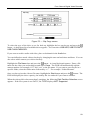
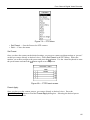
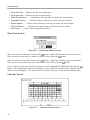
Figure 79 — PTZ Menu.
y Set Preset — Sets the Presets for PTZ camera.
y Quit — Closes the menu
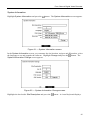
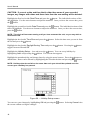
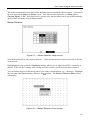
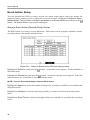
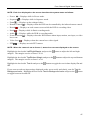
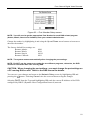
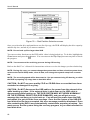
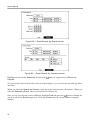
Set Preset
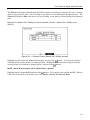
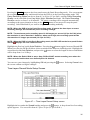
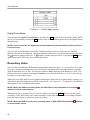
Once you have the camera at the desired settings, you can save camera position settings as “presets”
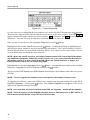
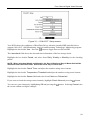
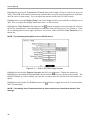
so that you can go directly to desired views. Select Set Preset in the PTZ Menu. Select the
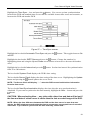
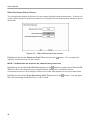
button. Use the virtual keyboard to enter
number you want to assign to the preset and press the
button again to save as preset.
the preset name and enter the
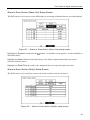
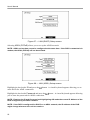
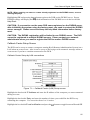
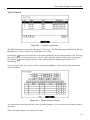
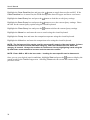
Figure 80 — PTZ Preset screen.
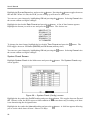
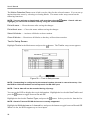
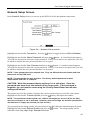
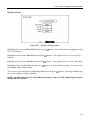
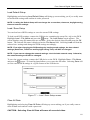
Preset Apply
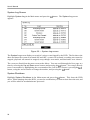
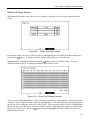
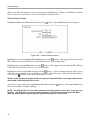
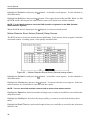
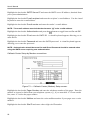
Once you have set the camera presets, you can go directly to desired views. Press the
QUAD/SEQUENCE button to load the Preset Apply dialog box. Selecting the desired preset
number loads the preset.
65