1
Section 3 - Configuration
Date and Time
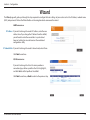
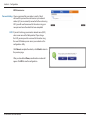
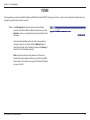
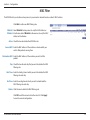
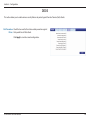
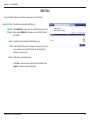
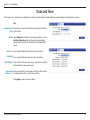
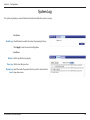
This page lets you set the time and date for your router, and also configure automatic time synchronization and daylight savings time.
Date
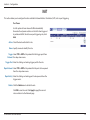
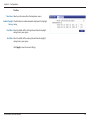
Current System Displays the current time and date according to the router’s
Time: system clock.
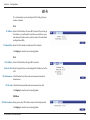
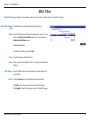
Mode: Select Manual to manually set the time and date, or select
Get from Time Server to have the router automatically
synchronize the time with a Network Time Protocol (NTP)
server.
New Time: If you selected Manual mode, enter the current time.
New Date: If you selected Manual mode, enter the current date.
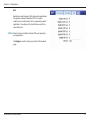
Time Protocol: If you selected Get time From Server, select the desired time
protocol from the drop-down menu.
Time Server Enter up to four NTP server addresses which will be used to
Address 1-4: synchronize the router’s system time and date.
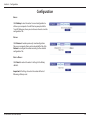
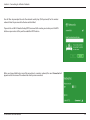
Click Apply to save the current settings.
D-Link DWR-730 User Manual
47