1
JADEVER
JPP User’s Manual-V01
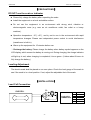
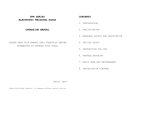
LCD Display and function of each key
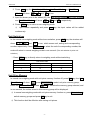
LCD Display
Key
Functions
ON/OFF
Key
To turn power on or off.
ZERO
Numeric keys and decimal point key,
0 ~ 9 and •
M+
used for setting unit price, pcs, etc.
Functions
Manual return to zero.
To memorize the amount of
commodities weighed.
UNIT
To switch units.
MR
To display the accumulation data.
PLU
To memorize unit price of commodity.
MC
To clear the accumulation data.
CE
To clear the unit price data.
TARE
To deduct tare weight.
To add up unit prices of commodities
+
that does not require weighing.
【FUNCTIONS】
Numeric Keys and Decimal Key
Keys
0
~
9
and
•
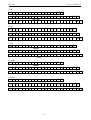
are used to key in the show value in the Unit Price Window or
other functions.
ZERO
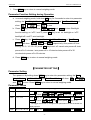
When there is residual value in the Total Weight Window, press ZERO key and the Total
Weight Window will show ZERO.
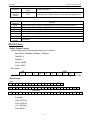
TARE
1. Place the tare object on the weighing pan.
2. Press TARE key.
3. Tare cancellation: Press TARE key to cancel.
-4-