1
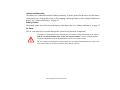
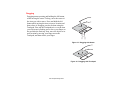
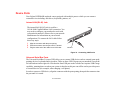
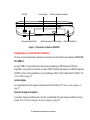
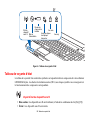
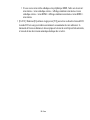
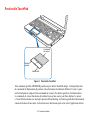
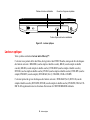
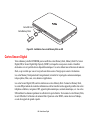
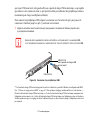
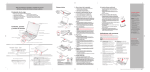
Touchpad Pointing Device
Cursor
Control
Left Button
Right button
Figure 8. Touchpad pointing device
The Touchpad pointing device comes built into your Fujitsu LIFEBOOK notebook. It is used to control
the movement of the pointer to select items on your display panel. The Touchpad is composed of a cursor
control, a left button and a right button. The cursor control works the same way a mouse does, and moves
the cursor around the display. It only requires light pressure with the tip of your finger. The left and right
buttons function the same as mouse buttons. The actual functionality of the buttons may vary depending
on the application that is being used.
26 - Touchpad Pointing Device