1
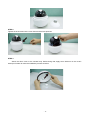
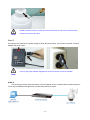
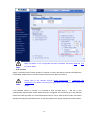
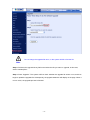
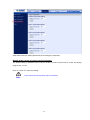
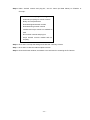
If there is a need to operate the Heater, please plug the AC 24V cable into the Camera’s
Power Connector to power up the Camera instead. Heater can only be powered by the
Note
24VAC adapter.
STEP 16.
Set your computer’s IP address to 192.168.0.x, where x is a number between 1 to 253 (except 20 where
is being used for the camera by default). If you don’t know how to do this, please ask your network
administrator.
STEP 17.
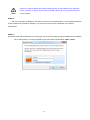
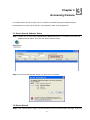
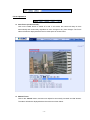
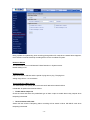
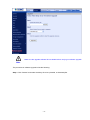
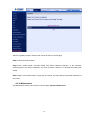
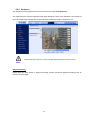
Use web browser (Internet Explorer 6.0 or above) to connect to 192.168.0.20 (type this address in the address
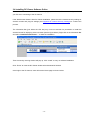
bar of web browser). You’ll be prompted to input user name and password: admin / admin
- 17 -