1
Settings
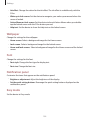
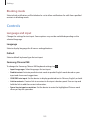
Blocking mode
Select which notifications will be blocked or set to allow notifications for calls from specified
contacts in blocking mode.
Controls
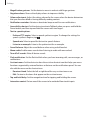
Language and input
Change the settings for text input. Some options may not be available depending on the
selected language.
Language
Select a display language for all menus and applications.
Default
Select a default keyboard type for text input.
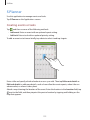
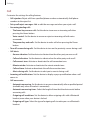
Samsung Chinese IME
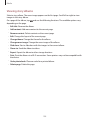
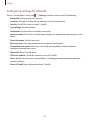
To change the Samsung Chinese IME keyboard settings, tap
.
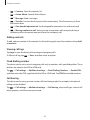
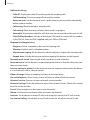
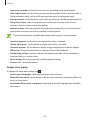
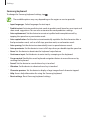
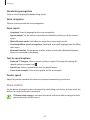
• Input Languages: Select languages for text input.
• Predictive text: Activate predictive text mode to predict English words based on your
input and show word suggestions.
• CHN/ENG mix input: Set the device to display predicted text in Chinese, English, or both.
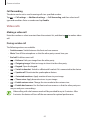
• Link to contacts: Create a link to a contact in the input selection panel. You can tap and
hold the link to add the contact information.
• Space key to input association: Set the device to enter the highlighted Chinese word
when you tap the space bar.
159