1
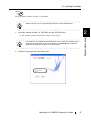
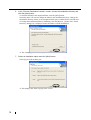
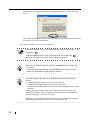
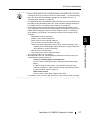
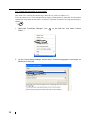
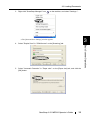
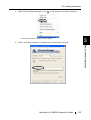
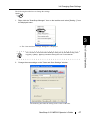
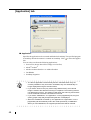
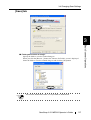
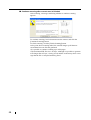
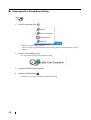
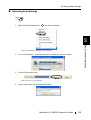
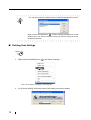
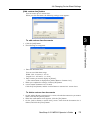
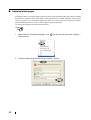
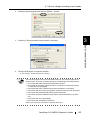
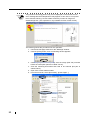
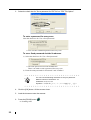
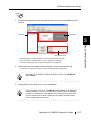
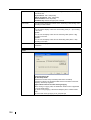
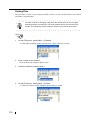
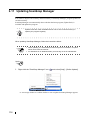
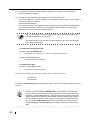
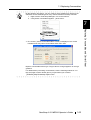
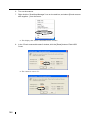
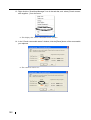
13. Right click the "ScanSnap Manager" icon in the task bar, and select [Check consumable supplies...] from the menu.
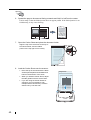
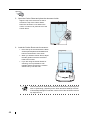
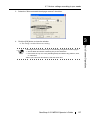
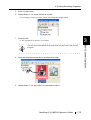
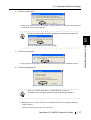
⇒ This displays the "Check consumable status" window.
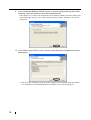
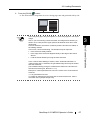
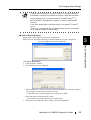
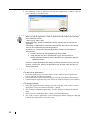
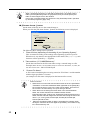
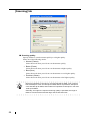
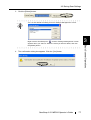
14. In the "Check consumable status" window, click the [Reset] button of the consumable
you replaced.
⇒ The counter is reset to "0".
152