1
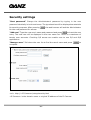
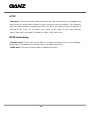
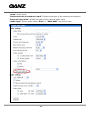
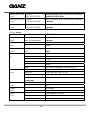
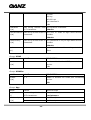
HTTP
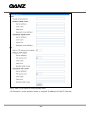
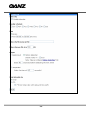
“Http port” This can be other than the default Port 80. Once the port is changed, the
users must be notified the change for the connection to be successful. For instance,
when the Administrator changes the HTTP port of the IP Camera whose IP address is
192.168.0.100 from 80 to 8080, the users must type in the web browser
“http://192.168.0.100:8080” instead of “http://192.168.0.100”.
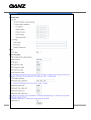
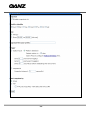
RTSP Streaming
“Access name” This is the access URL for making connection from client software.
Using rtsp://<ip address>/<access name> to make connection
“RTSP port” This can be other than the default Port 554
- 29 -