1
Digital Video Recorder User Manual
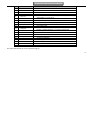
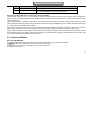
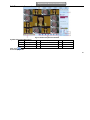
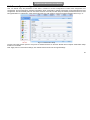
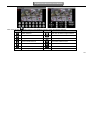
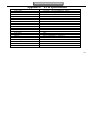
Item
14
15
16
17
18
19
20
Name
ALARM OUT
P/Z
K/B
GND
FAN
POWER INPUT
POWER SWITCH
Description
4ch relay output. Connect to external alarm.
Connect to speed dome
Connect to keyboard
Grounding
For cooling the device
AC 110Vor 110V
Switch on/off
2.4 Remote Controller
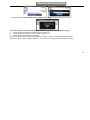
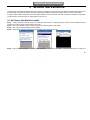
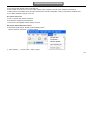
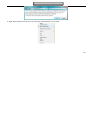
It uses two AAA size batteries and works after loading batteries as following:
Step1: Open the battery cover of the Remote Controller
Step2: Place batteries. Please take care the polarity (+ and -)
Step3: Replace the battery cover
Notice: Frequently defect checking as following
1. Check batteries poles
2. Check the remaining charge in the batteries
3. Check IR controller sensor is mask
If it still doesn't work, Please change a new remote controller to try, or contact your dealers
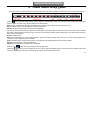
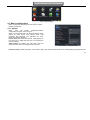
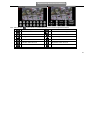
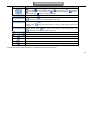
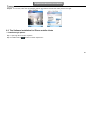
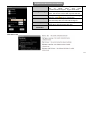
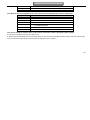
The interface of remote controller is shown in Fig2.8 Remote Controller.
11