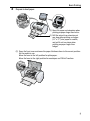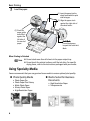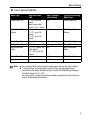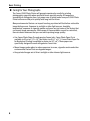
1
Advanced Printing
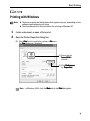
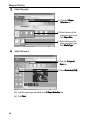
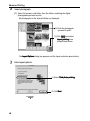
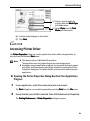
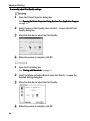
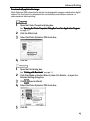
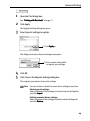
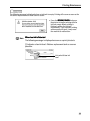
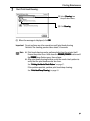
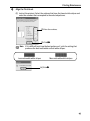
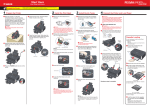
(3) Click Page setup….
setup…
4
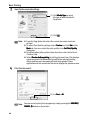
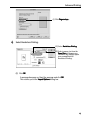
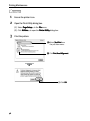
Select Borderless Printing.
(1) Select Borderless Printing.
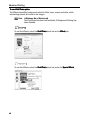
Printing
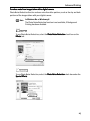
(2) Select a paper size from the
Paper Size pull-down menu.
The menu only displays paper
sizes compatible with
Borderless Printing.
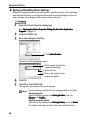
(3) Click OK.
OK
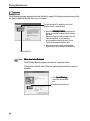
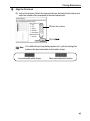
A message box pops up. Read the message and click OK.
OK
This returns you to the Layout Options dialog box.
19