1
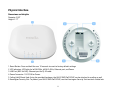
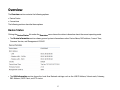
Physical Interface
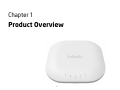
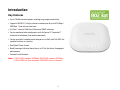
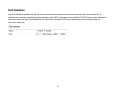
Dimensions and Weights
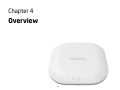
Diameter: 6.36”
Height: 2.17”
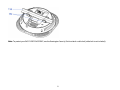
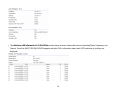
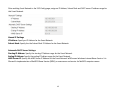
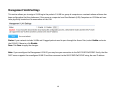
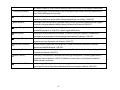
1. Reset Button: Press and hold for over 10 seconds to reset to factory default settings.
2. LED Indicators: LED lights for WLAN 5GHz, WLAN 2.4GHz, Ethernet port, and Power
3. LAN Port (802.3at PoE): Ethernet port for RJ-45 cable.
4. Power Connector: 12V DC IN for Power.
5. Ceiling (Wall) Mount Hole: Using the provided hardware, the EWS310AP/EWS320AP can be attached to a ceiling or wall.
6. Kensington Security Slot: To protect your EWS310AP/EWS320AP, use the Kensington Security Slot to attach a cable lock.
11