1
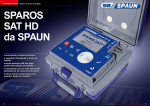
– SPAROS SAT HD Series –
2.5
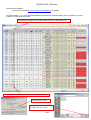
Dish adjustment
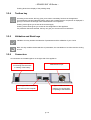
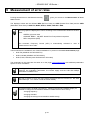
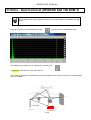
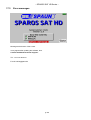
1/ Connect the dish to the appliance.
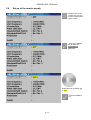
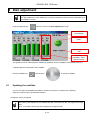
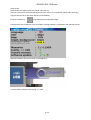
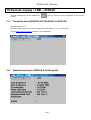
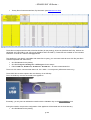
2/ Set up the remote supply (see Set-up of the remote supply)
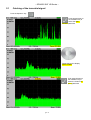
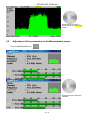
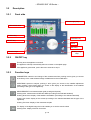
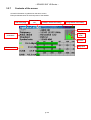
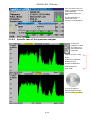
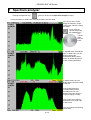
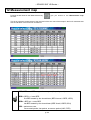
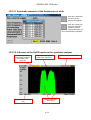
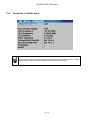
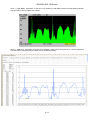
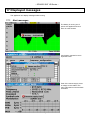
3/ Push twice on the Spectrum key to access the pointing mode.
(The appliance already has a list of satellites included)
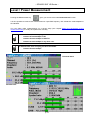
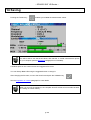
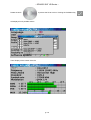
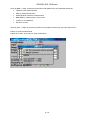
4/ Choose the satellite to plot (see Pointing)
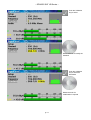
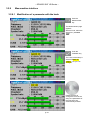
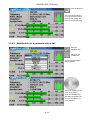
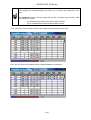
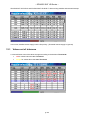
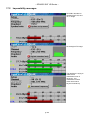
5/ Slowly direct the dish until you hear the locking signal and get the best quality.
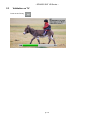
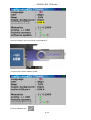
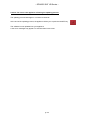
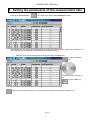
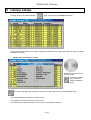
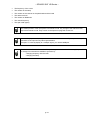
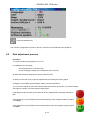
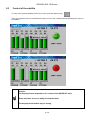
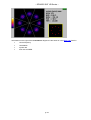
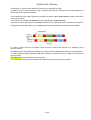
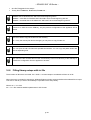
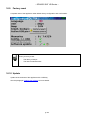
No transponder found → red smiley
Medium reception quality (< 50%) → orange smiley
Good reception quality (> 50%) → green smiley
Remember: transponder = satellite channel
p. 14