1
Renew a certificate
Important Note:
In the environment of the Odette CA renewal means to issue a new certificate with the same
properties as the previous one. However, to protect your privacy also a renewed certificate requires a
new private and public key.
Some OFTP2 software systems use their own key store and are programmed in a way that they only
accept a renewed certificate if it refers to the existing private key. In these systems you cannot use
the renewal process as described here; instead you must install a new certificate when the existing
one expires or becomes invalid.
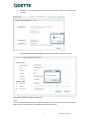
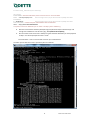
Prepare a new Certificate Signing Request as described in chapter Generate a Certificate Signing
Request .
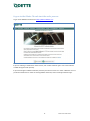
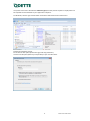
Log into the Odette CA application under https://www.odetteca.com .
Click Existing Customer Login to log into the CA application with your user credentials.
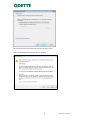
Important Note
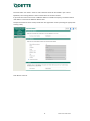
Before starting the Renew process, please ensure that your user details are correct and up to date.
These details will be used as the Technical Contact details for the Certificate Order and cannot be
amended during the Renew process.
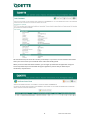
You can check and update your User details by going to the ‘My Account’ page from your Certificate
Control Panel.
21
Release date 28.07.2014