1
The Keyboard
,
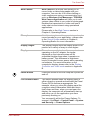
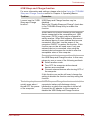
Sleep: Pressing FN + F3 switches the system to Sleep Mode.
,
Hibernate: Pressing FN + F4 switches the system to Hibernation Mode.
,
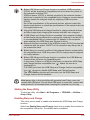
Output: Pressing FN + F5 changes the active display device.
To use a simultaneous mode, you must set the resolution of the internal
display panel to match the resolution of the external display device.
,
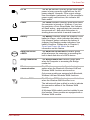
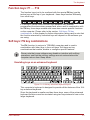
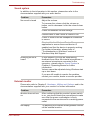
Brightness Down: Pressing FN + F6 decreases the computer's display
panel brightness in individual steps.
,
Brightness Up: Pressing FN + F7 increases the computer's display panel
brightness in individual steps.
,
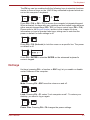
Wireless: Pressing FN + F8 switches the active wireless devices.
If no wireless communication device is installed, no dialog box will appear.
,
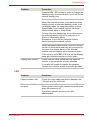
Touch Pad: Pressing FN + F9 enables or disables the Touch Pad function.
,
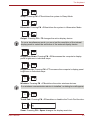
Zoom: Pressing FN + Space changes the display resolution.
User’s Manual
5-4