Download Untitled
Transcript
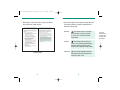
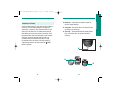
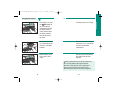
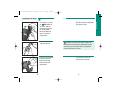
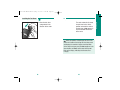
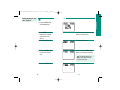
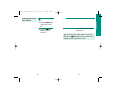
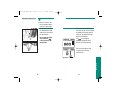
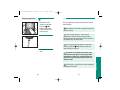
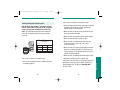
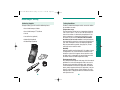
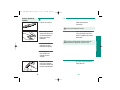
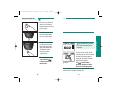
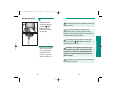
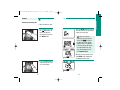
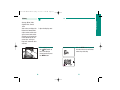
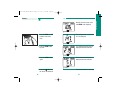
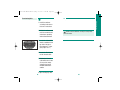
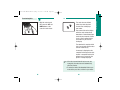
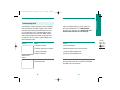
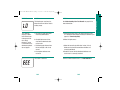
361-11264 CMPCT Manual (Eng) 8/8/02 3:45 PM Page 36 Setting the Beeper, Year, Time, and Date After the SET button is pressed, the meter turns on without advancing a test strip from the test drum. The meter is factory set with the beeper turned on. We recommend that you always leave the beeper turned on. 2. Press the MEM button to turn the beeper on or off. 34 3. Press the SET button again. The last two numbers of the year field flash. 4. Press the MEM button to change the year. The meter scrolls upwards through the year values. If you hold the MEM button down, the meter fast-scrolls to 2032 and begins again at 2000. 35 Getting Started 1. If the meter is on, press the TEST button to turn it off. With the meter turned off, press the SET button.