1
Rotating (select models only)
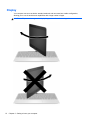
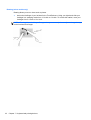
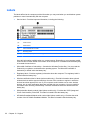
Rotating allows you to turn items such as photos.
●
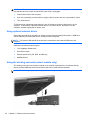
Anchor the forefinger of your left hand in the TouchPad zone. Using your right hand, slide your
forefinger in a sweeping motion from 12 o’clock to 3 o’clock. To reverse the rotation, move your
forefinger from 3 o’clock to 12 o’clock.
NOTE: Rotating is intended for specific apps where you can manipulate an object or image. It may
not be functional for all apps.
42
Chapter 7 Keyboard and pointing devices