1
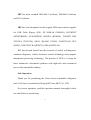
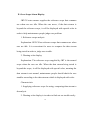
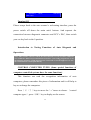
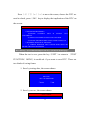
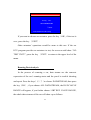
ENTER CARNO.
00000
□EXIT
□OK
L/R:move cursor, U/D:modify value
Press the keys of〔→〕
〔←〕to move the cursor to change the digit
position, press the keys of〔↑〕〔↓〕to change the value of some digit.
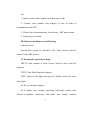
When the date or the car number has been right, press the key〔OK〕,the
auto scanner will save the test results into the memory of itself.
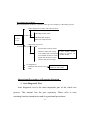
Note: If you want to change the record format, please refer to the previous
introduced HISTORY RECORDER and its subdirectory DTC RECORDER
FORMAT to change record format. The default format by JBT E-CARTOLDER is
by date.
Clear Diagnostic Trouble Code (DTC)
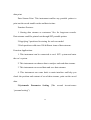
〔↑〕to choose CLEAR DTC, press〔OK〕,
Press the keys of 〔↓〕
the screen would show
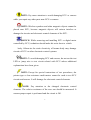
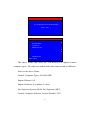
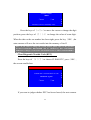
CLEAR DTC
CLEAR DTC command has been sent!
Read DTC again?
□EXIT
□OK
If you want to judge whether DTC has been cleared, the auto scanner
40