1
Storage
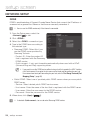
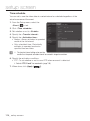
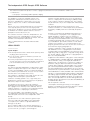
You can activate recording on your device, set the recording conditions, check the saved
data capacity and format the device itself.
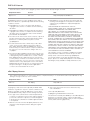
● setup screen
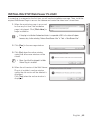
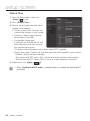
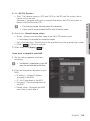
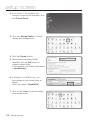
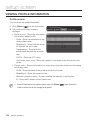
1. From the Setup menu, select the
<Event (
)> tab.
2. Click <Storage>.
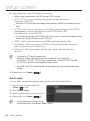
3. Select a device to save data in.
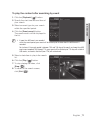
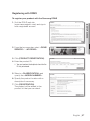
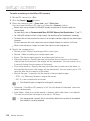
device is properly recording data, it
MM `` Ifwillyourdisplay
“Recording”.
`` If you see an “Error” message, check the
following:
-- Check the storage to see if it is
connected to the device.
-- Check the files in the storage to see if
they are damaged.
-- Check the storage to see if they are
physically damaged.
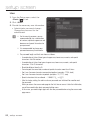
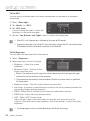
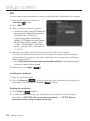
`` If the “Error” message does not disappear after following the instructions, format the Micro SD
card.
After formatting, if the error message still remains, replace the Micro SD card.
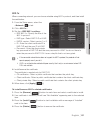
`` If you remove the Micro SD card without changing a button to ‘off’ position in settings or if you
connect a camera to an unstable power source, the Micro SD card may be damaged.
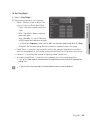
operation in record mode, you are limited to 2 simultaneously accessible profiles, and to 3
JJ `` After
connected users. However, existing users will be sustained.
English _107