1
SETTINGS & TOOLS
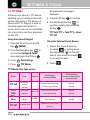
5.8 Clock Format
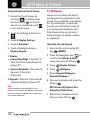
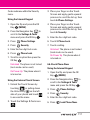
Using the External Touch Screen
Allows you to choose the kind of
clock to be displayed on the LCD
screen.
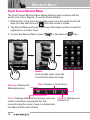
1. Unlock the Touch Screen by
touching
or pulling down
the Unlock Key ( ) on the left
side of your phone and touch
to access the menu.
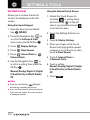
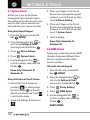
Using the Internal Keypad
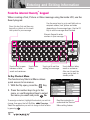
1. Open the flip and press the OK
Key
[MENU].
2. Press the Navigation Key
to
scroll to the Settings & Tools
menu and press the OK Key
.
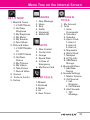
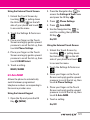
3. Press
Display Settings.
4. Press
Clock Format.
Internal Clock or
5. Press
External Clock.
6. Use the Navigation Key
to
scroll to a setting, then press the
OK Key
.
Normal/ Analog/ Digital 1/ Digital
2/ Dual(Set City in World Clock)/
Off
NOTES
● Press the Left Soft Key
[View] to
preview the selected clock format.
● If you set Dual clock for either the internal
or the external screen, the same city time
is displayed on both.
110
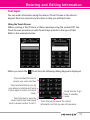
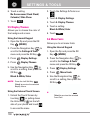
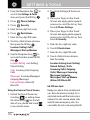
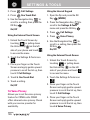
2. Touch the Settings & Tools icon
.
3. Touch 5. Display Settings.
4. Place your finger on the Touch
Screen and apply gentle upward
pressure to scroll the list up, then
touch 8. Clock Format.
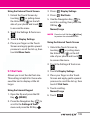
5. Touch 1. Internal Clock or
2. External Clock.
6. Touch a setting.
Normal/ Analog/ Digital 1/ Digital
2/ Dual(Set City in World Clock)/
Off
7. Touch SET .