1
Powermonitor 1000 Device Configuration
Chapter 1
Configure a Powermonitor 1000 Device
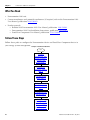
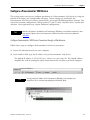
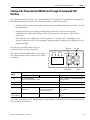
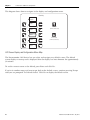
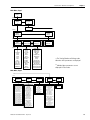
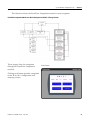
This section shows you how to configure parameters of a Powermonitor 1000 device by using the
internal LCD display and configuration web page. Certain settings are needed for the
Powermonitor 1000 device to meter, communicate, and work with RSEnergyMetrix software. You
will set the network configuration, Voltage mode, PT and CT ratios, demand values, and the date
and time. Your application may require additional configuration.
Network configuration is provided for the Powermonitor 1000 device on the Ethernet network. For other
communication options, refer to the Powermonitor 1000 Unit Installation Instructions, publication
1408-IN001.
TIP
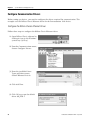
Configure Powermonitor 1000 Device Parameters through a Web Browser
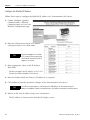
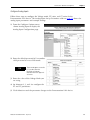
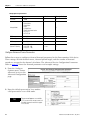
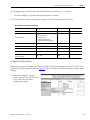
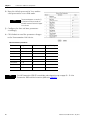
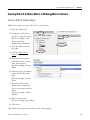
Follow these steps to configure Powermonitor 1000 device parameters.
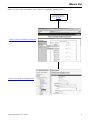
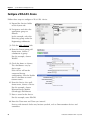
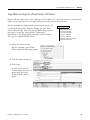
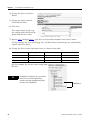
1. Launch the Internet browser on your computer.
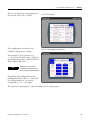
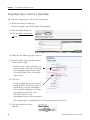
2. In the Address field, type the IP address of your Powermonitor 1000 device.
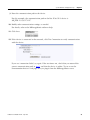
The default IP address is 192.168.254.xxx, where xxx is the unit’s ID. The default address
simplifies the task of making the initial connection to the unit from a personal computer.
http://192.168.254.23
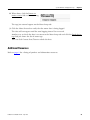
TIP
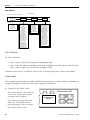
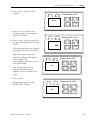
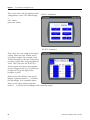
You can check the IP address of the Powermonitor 1000 device from its display or by
using RSLinx Classic software and configuring an EtherNet/IP driver.
Publication CC-QS0021A-EN-P - July 2010
11