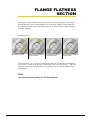
1
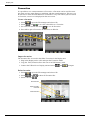
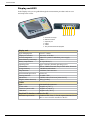
Flange parallelism
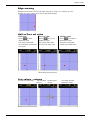
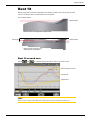
Measure
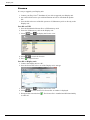
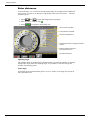
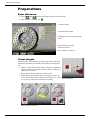
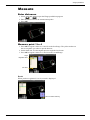
Enter distances
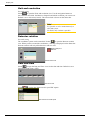
1.Select
and
to open the Flange parallelism program.
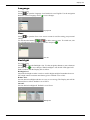
2.Enter distances between the measurement points.
3.Press OK.
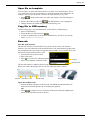
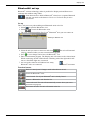
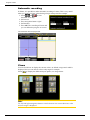
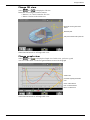
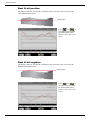
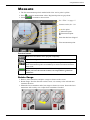
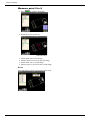
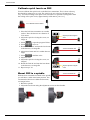
Measure point 1 to 4
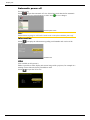
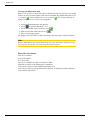
1.Press OK to register values on #1 and #2 on the first flange. The yellow marker on
the screen guides you where to put the detector.
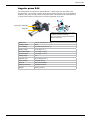
2.Switch beam 90º. Use the angular prism to angle the laser beam.
3.Press OK to register values on #3 and #4 on the second flange.
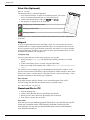
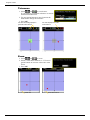
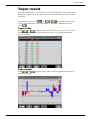
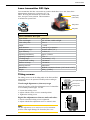
Target
Registered values
Live values
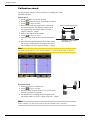
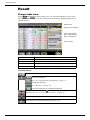
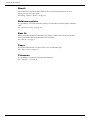
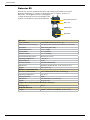
Result
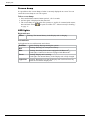
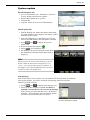
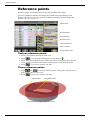
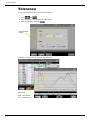
When you have registered #1 to #4, a result is displayed.
Press to continue measuring
45