1
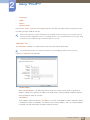
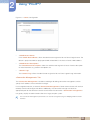
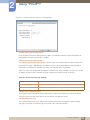
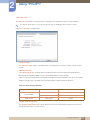
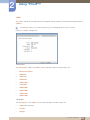
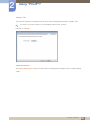
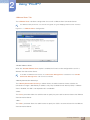
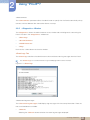
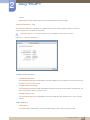
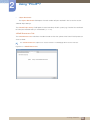
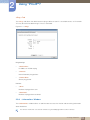
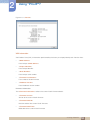
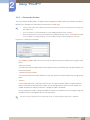
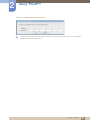
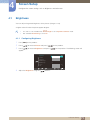
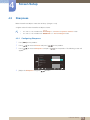
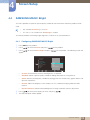
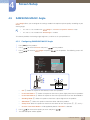
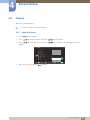
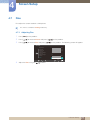
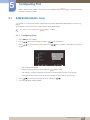
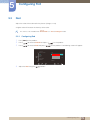
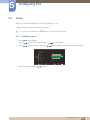
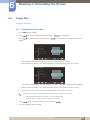
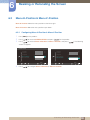
6 6.3 Resizing or Relocating the Screen Menu H-Position & Menu V-Position Menu H-Position: Move the menu position to the left or right. Menu V-Position: Move the menu position up or down. 6.3.1 Configuring Menu H-Position & Menu V-Position 1 2 3 Press [ MENU ] on the product. Press [ ] to move to SIZE&POSITION and press [ ] on the product. Press [ ] to move to Menu H-Position or Menu V-Position, and press [ ]. The following screen will appear. SIZE&POSITION H-Position : H-Position : V-Position : V-Position : Image Size : Auto Image Size : Auto Menu H-Position : Menu H-Position : Menu V-Position : Menu V-Position : ࢇࢷ֩Ѝ 4 SIZE&POSITION Press [ ࣏ࢽ AUTO ۴ ࢇࢷ֩Ѝ ࣏ࢽ AUTO ۴ ] to configure Menu H-Position or Menu V-Position. 6 Resizing or Relocating the Screen 86