1
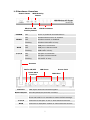
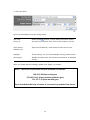
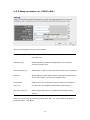
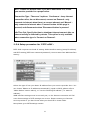
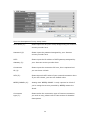
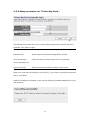
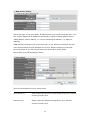
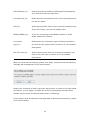
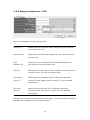
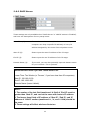
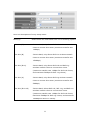
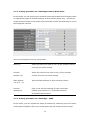
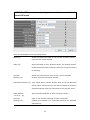
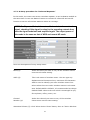
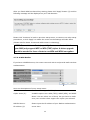
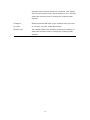
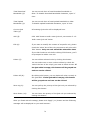
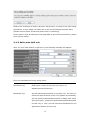
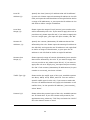
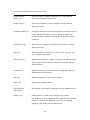
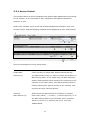
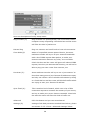
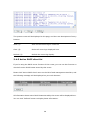
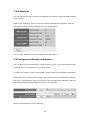
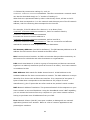
Here are descriptions of every setup items:
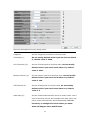
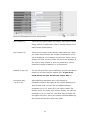
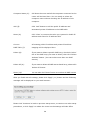
Ping of Death (a):
Set the threshold of when this DoS prevention mechanism
will be activated. Please check the box of Ping of Death, and
input the frequency of threshold (how many packets per
second, minute, or hour), you can also input the ‘Burst’
value, which means when this number of ‘Ping of Death’
packet is received in very short time, this DoS prevention
mechanism will be activated.
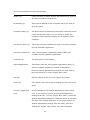
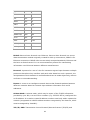
Discard Ping
Check the box to activate this DoS prevention
From WAN (b):
mechanism.
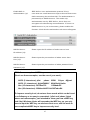
Port Scan (c):
Many kind of port scan methods are listed here, please
check one or more DoS attack methods you want to
prevent.
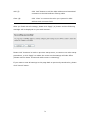
Sync Flood (d):
Like Ping of Death, you can set the threshold of when this
DoS prevention mechanism will be activated.
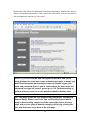
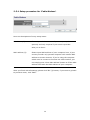
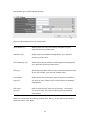
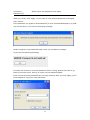
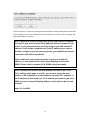
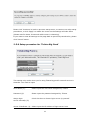
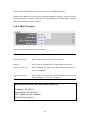
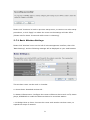
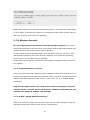
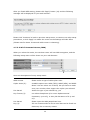
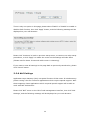
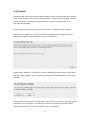
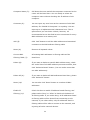
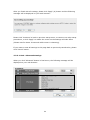
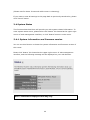
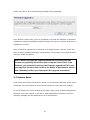
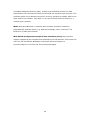
After you finish with all settings, please click ‘Apply’ (e) button and the following
message will be displayed on your web browser:
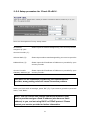
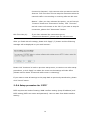
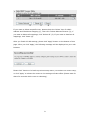
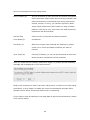
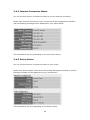
Please click ‘Continue’ to back to previous setup menu; to continue on other setup
procedures, or click ‘Apply’ to reboot the router so the settings will take effect
(Please wait for about 30 seconds while router is rebooting).
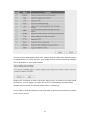
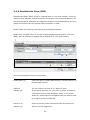
If you want to reset all settings in this page back to previously-saved value, please
click ‘Cancel’ button.
102