1
Setup Menu
Monitor Settings
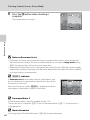
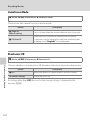
d button M z (Setup menu) (A 126) M Monitor settings
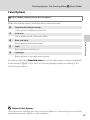
Set the options below.
Photo info
Choose information displayed in the monitor during shooting and playback mode.
Image review
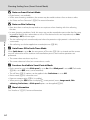
On (default setting): Picture is automatically displayed in the monitor
immediately after it is taken and the monitor display returns to shooting mode.
Off: Picture is not displayed after it is taken.
Brightness
Choose from five settings for monitor brightness. The default setting is 3.
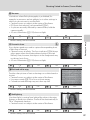
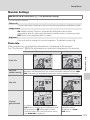
Photo Info
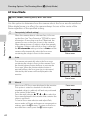
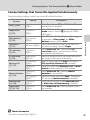
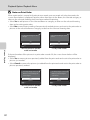
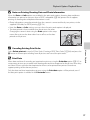
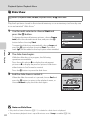
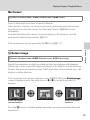
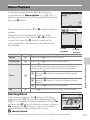
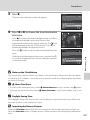
Select whether or not the photo information is displayed in the monitor.
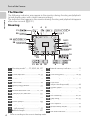
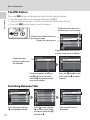
See “The Monitor” (A 6) for information on indicators displayed in the monitor.
Shooting mode
Playback mode
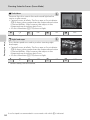
Show info
4/
4
Auto info
(default setting)
4
Current settings and operational guides are displayed as in Show info above. If no
operations are performed for a few seconds, the display will be the same as Hide
info. Information will be displayed again when the next operation is performed.
Basic Camera Setup
15/05/2011 15:30
0004.JPG
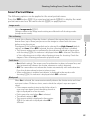
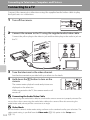
Hide info
15/05/2011 15:30
0004.JPG
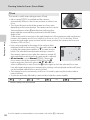
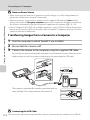
Framing
grid+auto info
4
In addition to information shown with Auto
info above, a framing grid is displayed to help
frame pictures in A (auto) mode. In other
shooting modes only the information shown
with Auto info is displayed.
4/
4
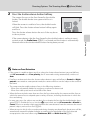
The current settings or
operation guide is
displayed, as in Auto
info above.
131