1
20
WS 5000 Series: WS 5100 Installation Guide
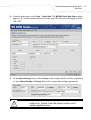
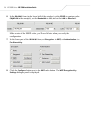
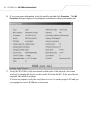
11. Back in the WS5000 Quick Start View window, click Apply to save the configuration.
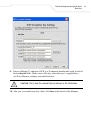
12. An information panel appears; click OK.
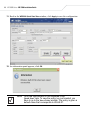
NOTE
Your new configuration is not displayed in the
Quick Start View. To view the policy you just created, you
have to go to the View > Policy window. The policy is given a
default name that corresponds to WLAN #1.