1
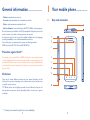
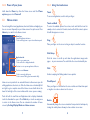
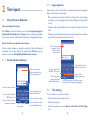
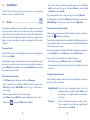
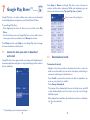
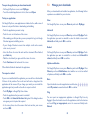
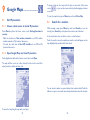
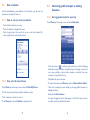
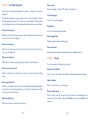
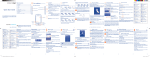
1. Earpiece
6. Menu key
Options
2. Front camera
7. Home key
Move to Home screen
Press and hold: Show eight most
recently used apps.
3. Volume key
Volume Up/Down
8. USB port
Charging / PC connectivity
4. Search key
Quick search
9. Headset jack
3.5 mm headset jack
5. Back key
10. Power/Lock key
Move to the previous screen
Press: Screen lock mode
Press and hold: Power ON / Phone
options
1.2
Getting started
1.2.1 Set-up
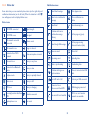
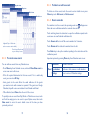
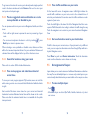
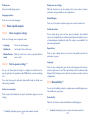
Removing or installing the battery
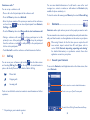
•Remove the battery cover from the unit.
•Align the battery's exposed gold contacts with the battery connectors
inside the battery compartment.
•Insert the contact side of the battery first and then gently push the
battery into place.
•Replace the battery cover over the battery compartment and press
down until you hear a click.
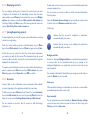
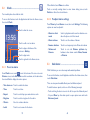
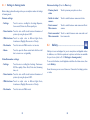
Camera
External speaker
Battery cover
13
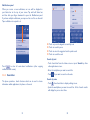
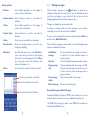
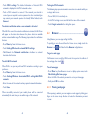
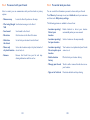
Installing and removing the microSD card
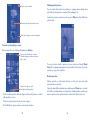
Insert the microSD card with golden contact
facing downwards into the slot until it is
locked. Gently push the memory card until it
is unlocked.
To avoid data loss and microSD card damage, before removing the
SD card, please ensure that the SD card is unmounted (Settings\
Storage\Unmount SD card).
14