1
ADDING ADDITIONAL CCTV CAMERA
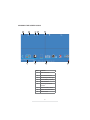
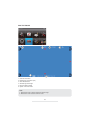
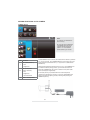
CAMERA SETUP
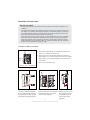
Note:
A. Channel 1 is dedicated to
door unit only.
B. Only use camera specified
compatibility. NOT all CCTV
cameras will work with this
system. For more details
please contact your vendor.
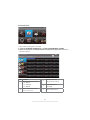
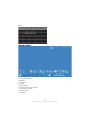
Item
1
Function
CH1 (Doorphone 1)
- Pair
- Brightness
CH 2, CH3, CH4
2-4
5
(CCTV Camera)
- Pair
- Brightness
- Camera On/Off
Return to Setup Menu
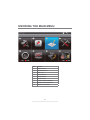
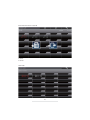
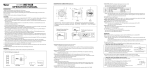
To add additional CCTV camera, first make sure the camera is powered
on. On your receiver, go to CAMERA SETUP in the system menu and
select preferred camera channel 2, 3 or 4 (channel 1 is dedicated for
DOOR Unit).
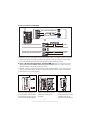
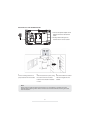
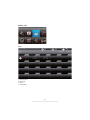
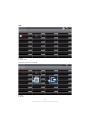
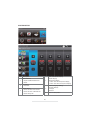
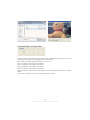
After selecting preferred camera channel (2, 3 or 4), tap PAIRING icon
to initiate the camera pairing process, you will have 30 seconds to
press the CAMERA's pair-key, which is located on the power cable
of the camera (see image below).
If camera's pair-key not pressed within the 30 seconds period,
"Pairing Fail" will display on receiver, in this case, tap PAIRING icon
again to re-initiate the pairing process, following with pressing the
CAMERA's pair-key.
31