1
4、OPERATION INTRODUCTION
4.1 Turn on the machine
Hint: Please keep the lid closing during running.
Hint: Do not touch the surface of the sample plate & heat lid , they are hot.
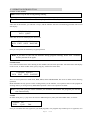
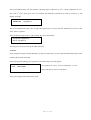
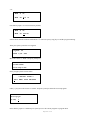
After turn on the machine, you will hear 2 “bip”s, and the machine will enter self-checking procedure. The screen
will display:
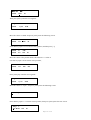
<-EG 3200 Model ->
Ver5.0 @2007
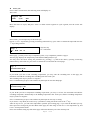
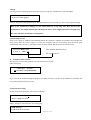
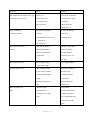
After that, the screen will display the main menu.
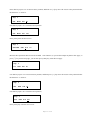
**Thermal Profile**
RUN EDIT SAVE RASUME
Now you can operate the machine by keypad operation.
Hint: If you have to turn off the machine during program running, better wait 3 minutes
before you turn it on again.
4.2.Main menu
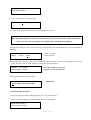
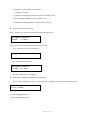
Let’s start from main menu. After turning on the machine and self check procedure. The main menu will display
on the screen, or when in other status, press [stop] key, will back to main menu.
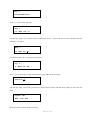
**Thermal Profile**
RUN EDIT SAVE RASUNE
There are four operations in main menu, RUN, EDIT, SAVE and RESUME. The cursor is under current choosing
operation.
RUN and EDIT can only operate on the working memory of the machine, save operation will save the program in
working memory to saving memory. RESUME operation is the reverse operation of SAVE.
Hint: Every time you turn on the machine, the machine will resume the program you ran last
time automatically.
4.3.Edit
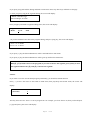
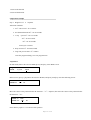
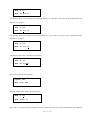
In maim menu press [→] key move the cursor to EDIT and press [enter] will enter EDIT menu, see below:
Segment #01
Hold
Cycle
End
Now you can define the first segment in your PCR program(1 user program may contain up to 15 segments). You
Page 4
of 23